
Wheel Visualizer for Your Own Car

Use the wheel visualizer to see a different wheel design on your own car photo. Upload a reference or choose a preset, compare the result with your original, and save a direction worth discussing with your installer.

Workspace view

From wheel idea to a useful comparison

Preview my wheels

Start with your car

Open the wheel visualizer with a clear JPG, PNG or WebP up to 10 MB. Choose a side or three-quarter view with both wheels visible.

Choose the design and finish

Upload a wheel reference or select a five-spoke, multi-spoke, mesh or deep-dish preset. Choose a finish and add brief details about the look you want.

Compare before making a decision

Generate a preview, move the original comparison slider and inspect the result. Download a favorite or select a saved version to explore your next change.

Make your wheel shortlist easier to judge

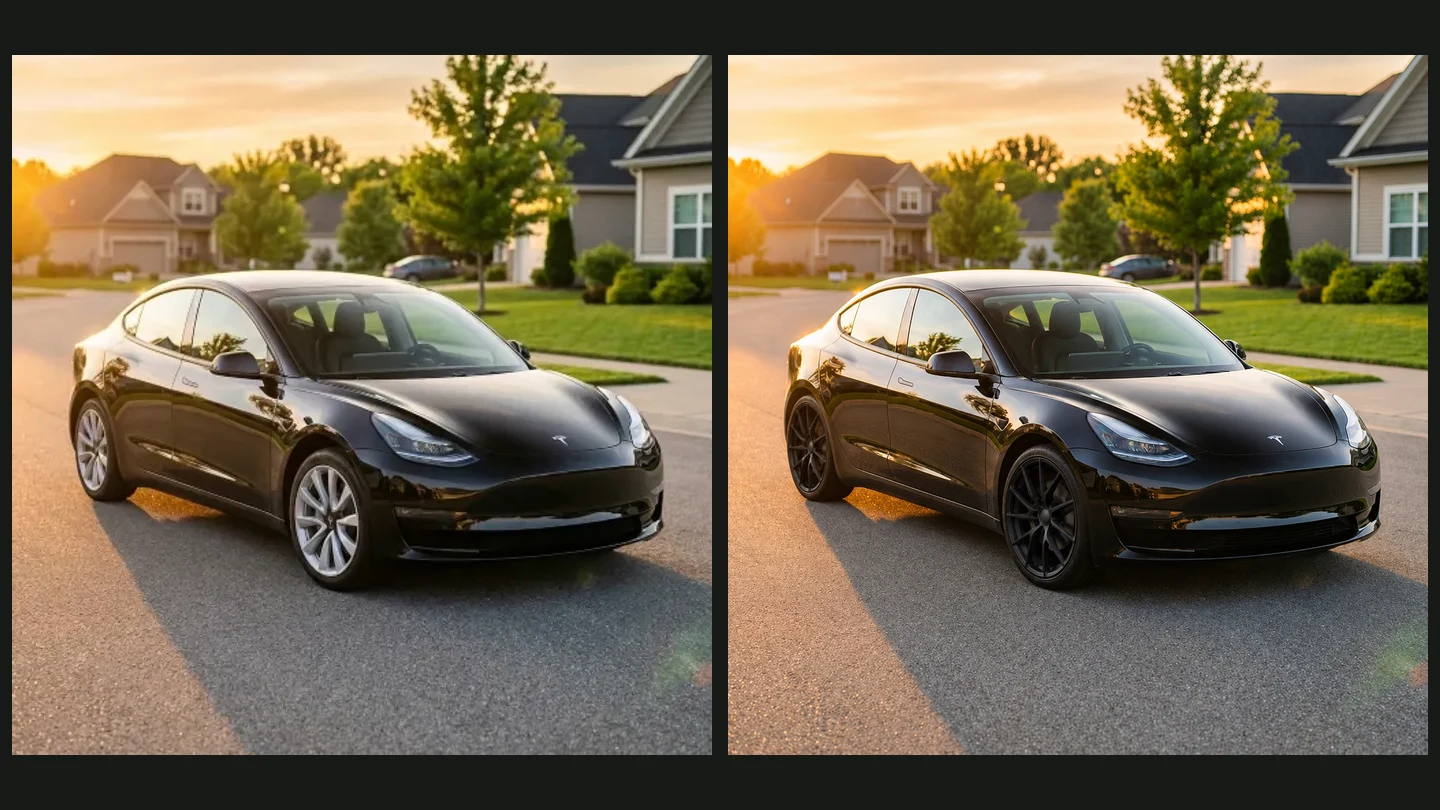
Original silver wheels beside an actual AI-generated black multi-spoke wheel preview

See your reference on your actual car

A wheel listing can look convincing on its own and completely different beside your paintwork. Bring that design into the wheel visualizer with a clear reference image, then judge spoke shape and overall character in the context of your car.

Upload a wheel reference
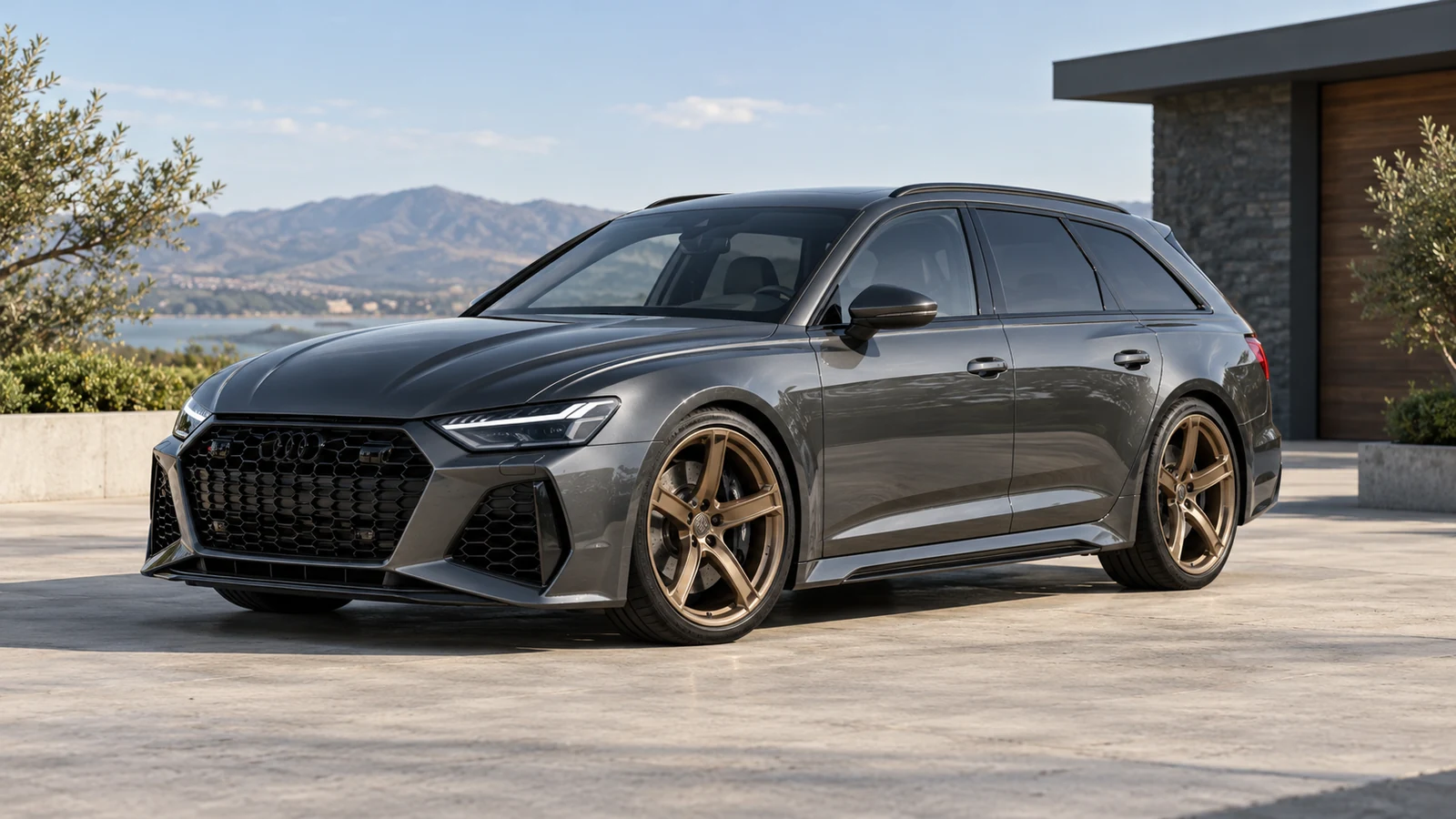
Dark gray performance wagon with bronze five-spoke wheels

Explore a finish without buying a set

Use the wheel visualizer to explore black, silver, bronze or chrome, or keep the reference finish. This bronze-wheel wagon is styling inspiration: notice how warm spokes contrast with gray bodywork before choosing a finish to preview on your own car.

Try a wheel finish
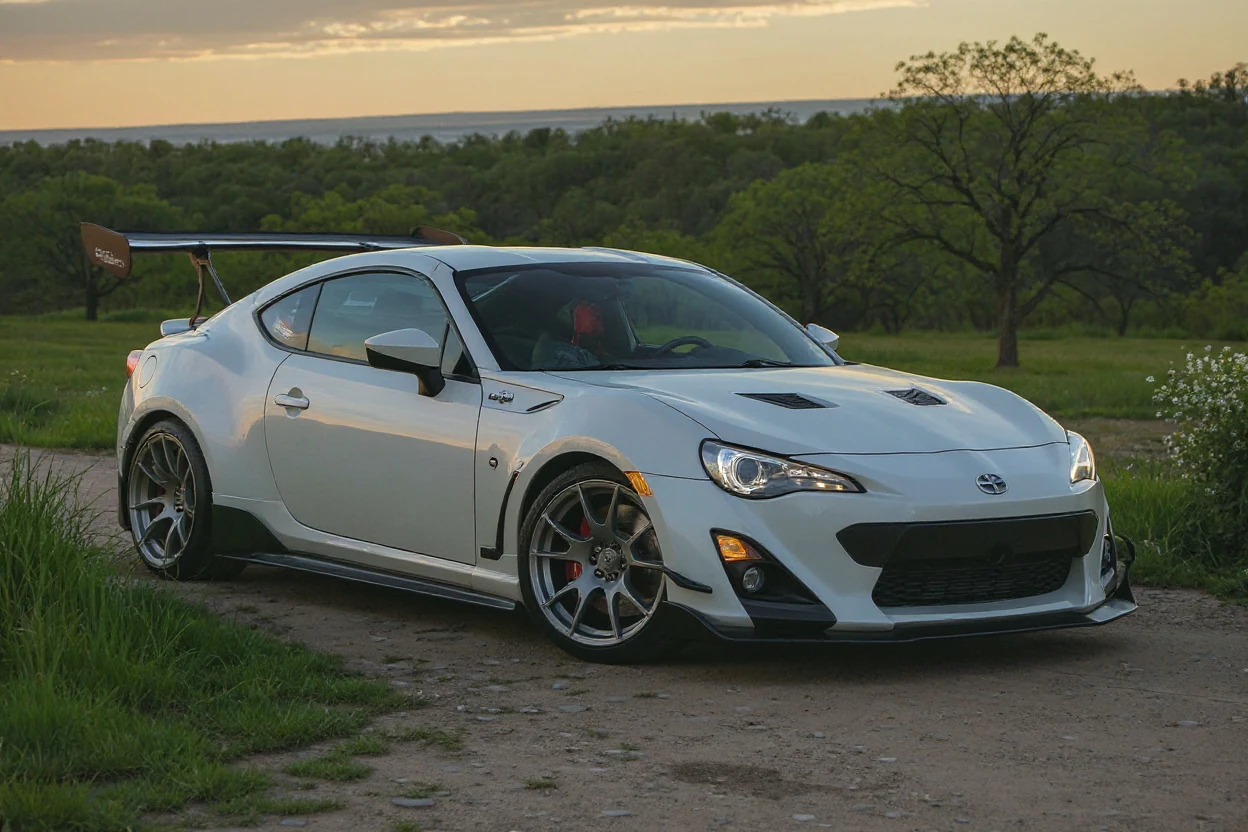
White Toyota 86 with a JDM wheel and styling concept

Keep alternatives you can return to

The wheel visualizer keeps generated versions in this browser so your comparison does not depend on memory. Select an earlier result, return to the original or continue modifying a favorite. Download the useful versions before their retention period ends.

Compare wheel ideas

Wheel visualizer inspiration for different design choices

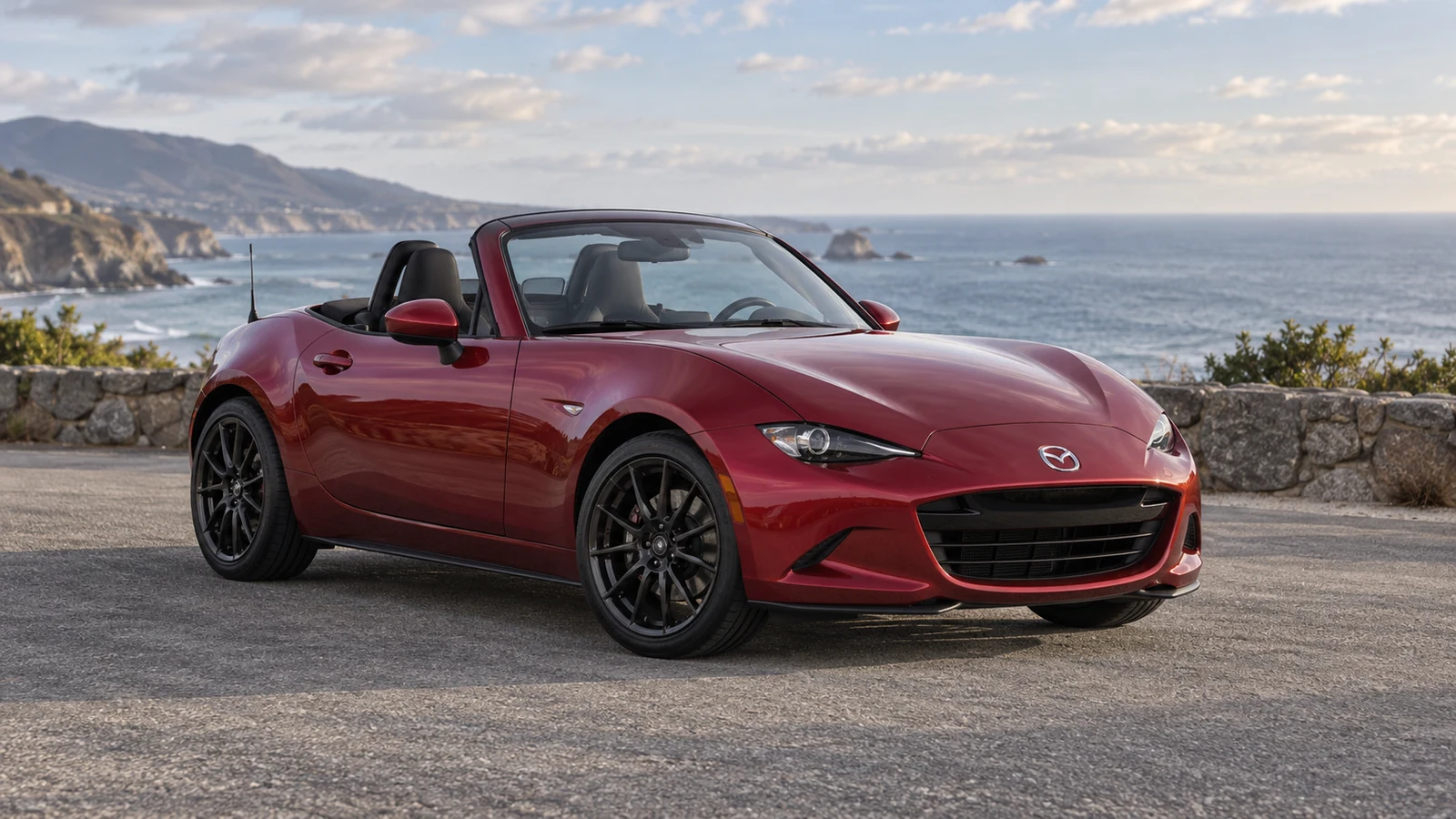
Red roadster with black multi-spoke wheels

Read the spokes against the bodywork

This red roadster provides wheel visualizer inspiration through black multi-spoke rims and bright bodywork. Inspect the spacing and shape of the spokes when choosing a reference. Use your own car photo for a preview rather than treating this illustration as an exact parts match.

A clearer conversation about your next wheels

Turn a saved wheel idea into something you can compare on your own vehicle before narrowing the shortlist or speaking with a shop.

Start with your own vehicle

The wheel visualizer uses your photograph, so you can consider the wheel design alongside the paint, trim and body shape you already have.

Bring a specific idea

Upload a clear reference when a preset is too broad. The wheel visualizer gives that design a place in your own build discussion.

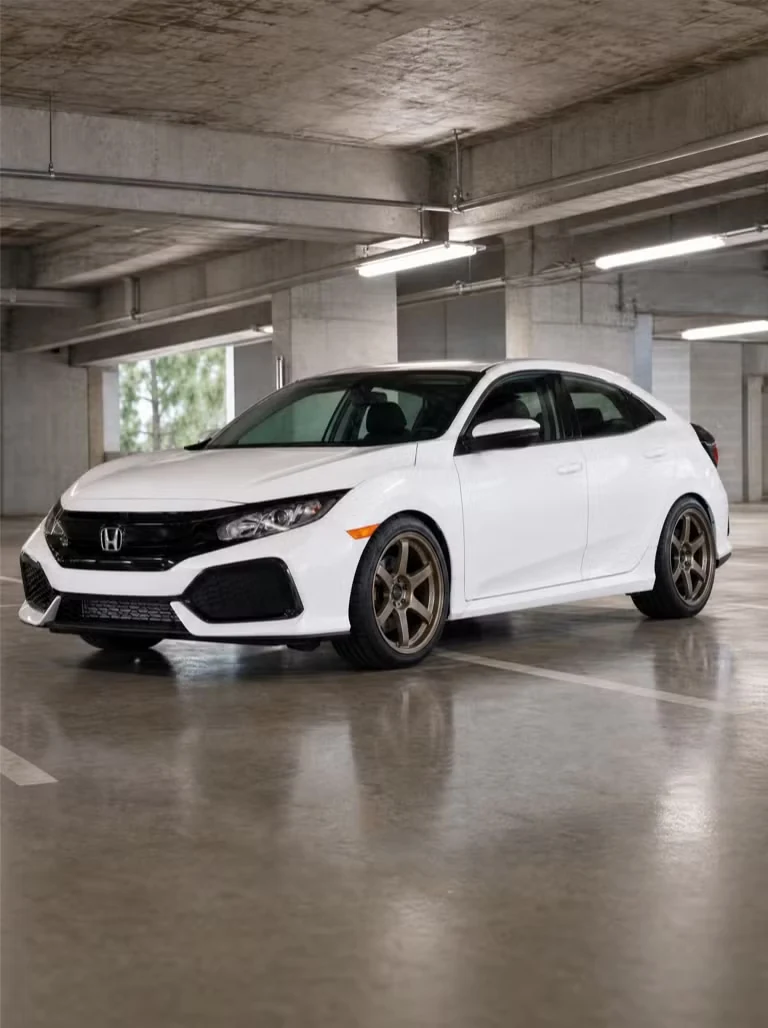
White Civic with bronze six-spoke wheels

Compare with less guesswork

Keep the original beside the result in the wheel visualizer. Revisit a version when two ideas feel close instead of relying on memory.

Share a useful starting point

Download your wheel visualizer result and explain the direction to an installer. Pair it with actual part specifications when discussing a purchase.

MAKE YOUR UPLOAD COUNT

Give the wheel visualizer a clear starting point

Both images matter: your car establishes the scene, while a reference explains the wheel design. Clear inputs make the result easier to inspect.

  1. 01

    Show the rims clearly

    Keep the entire car inside the frame and avoid obstacles in front of the wheels. A sharp side or three-quarter angle gives the wheel visualizer useful detail.

  2. 02

    Choose an uncluttered reference

    Use a wheel image with visible spokes and a readable outline. Avoid tiny thumbnails, heavy text overlays or a busy collage that obscures the design.

  3. 03

    Keep the lighting readable

    Deep shadows can hide both the original rim and the new design. Choose even light so the wheel visualizer comparison is easier to judge.

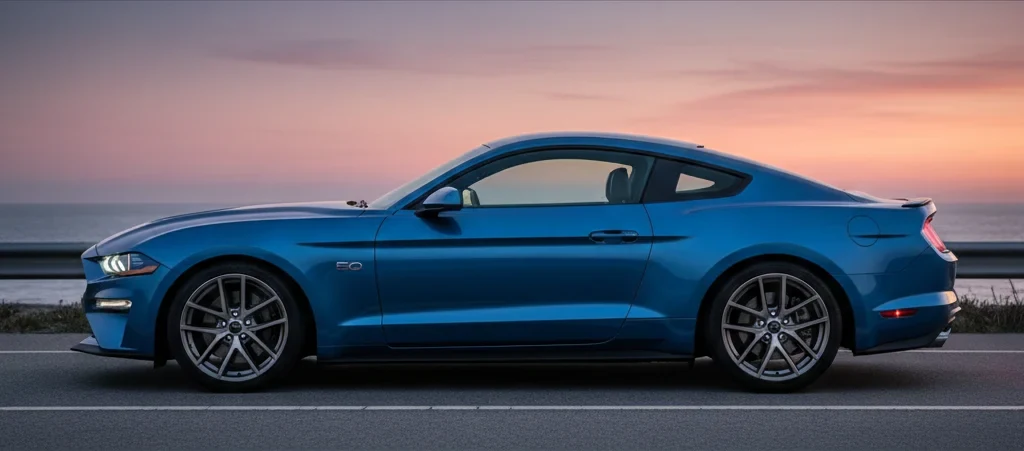
Blue Ford Mustang in a clear side-view car photograph

Questions before trying a new wheel look

Car Customizer logo

Put your next wheel idea on your car

Open the wheel visualizer with your car photo and a design you like. Make a useful comparison before taking the next step toward a real set.

Preview my wheels