Car Wrap Visualizer for Your Next Design

Use the car wrap visualizer to explore a color, finish or graphic idea on your own vehicle photo. Compare versions, refine the direction with written details or a reference image, and download a concept for your wrap shop.

Workspace view

Turn a wrap idea into something you can compare

Try a wrap preview

Upload a clear vehicle photo

Start the car wrap visualizer with a JPG, PNG or WebP up to 10 MB. Show the full car and the panels you want to wrap.

Describe the surface you want

In the car wrap visualizer, choose a color and finish. Add pattern details or an optional reference image, then select your output resolution.

Compare and refine your direction

Inspect the result against your original, return to an earlier version or continue from a finished image. Download useful alternatives before discussing materials with an installer.

Explore the color, finish and design together

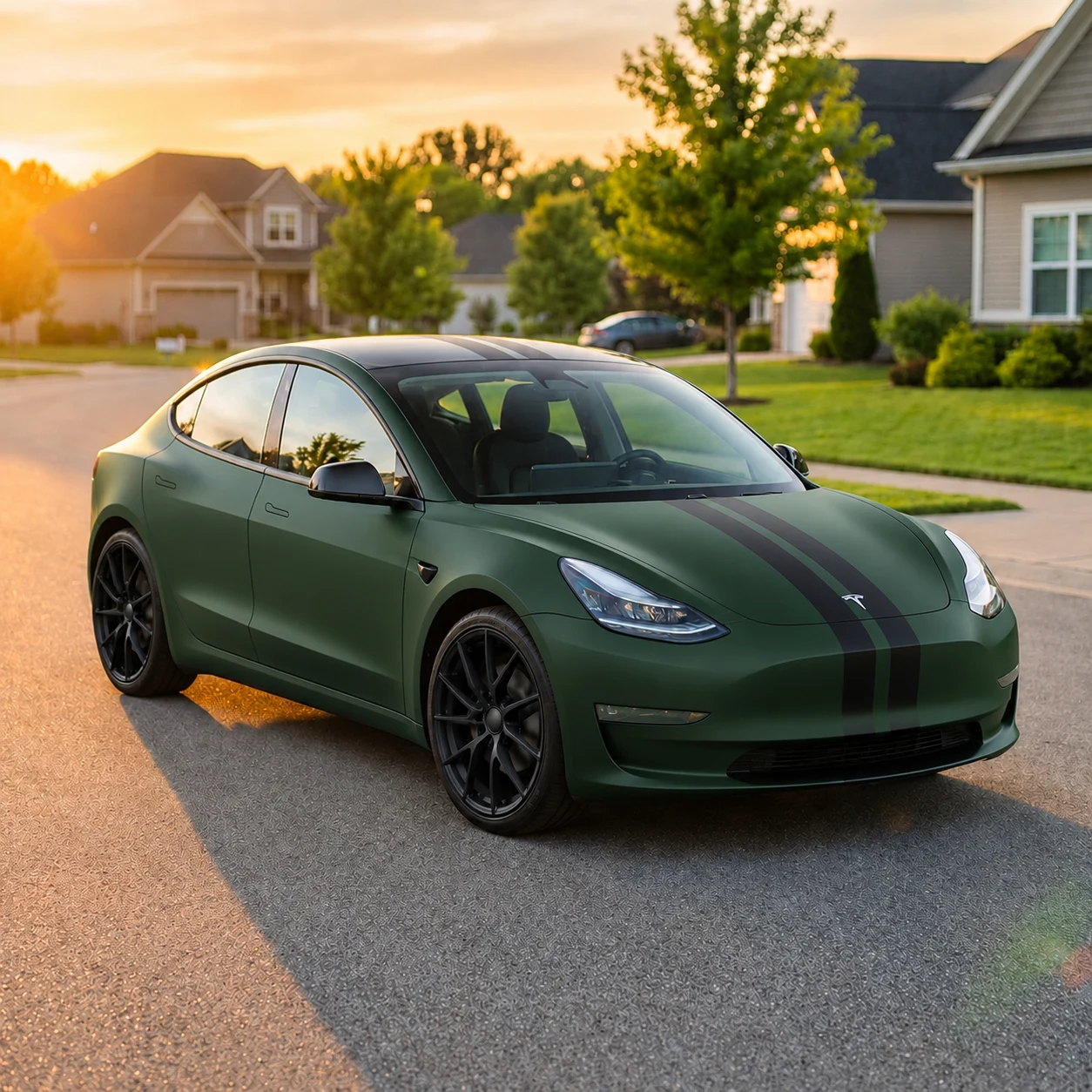
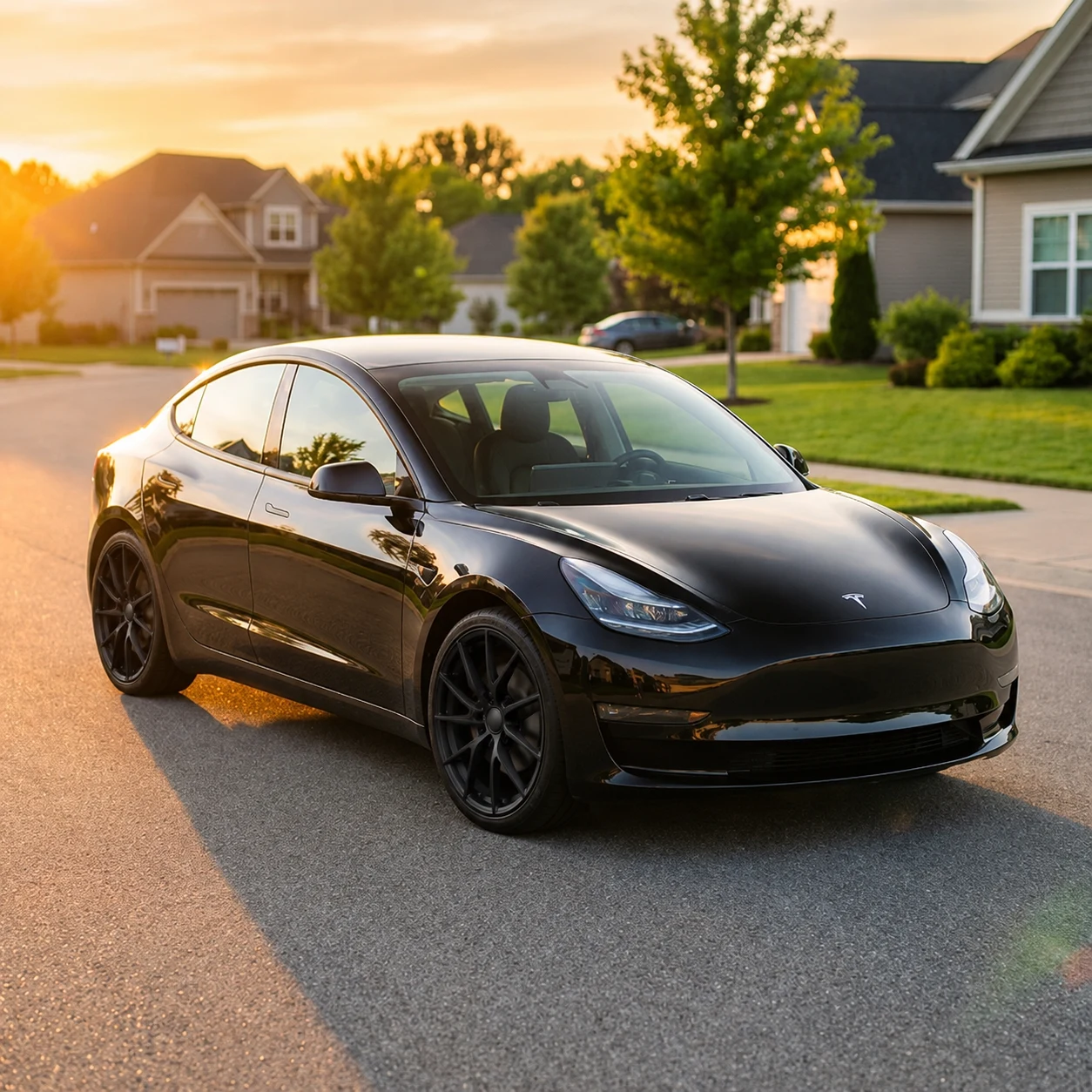
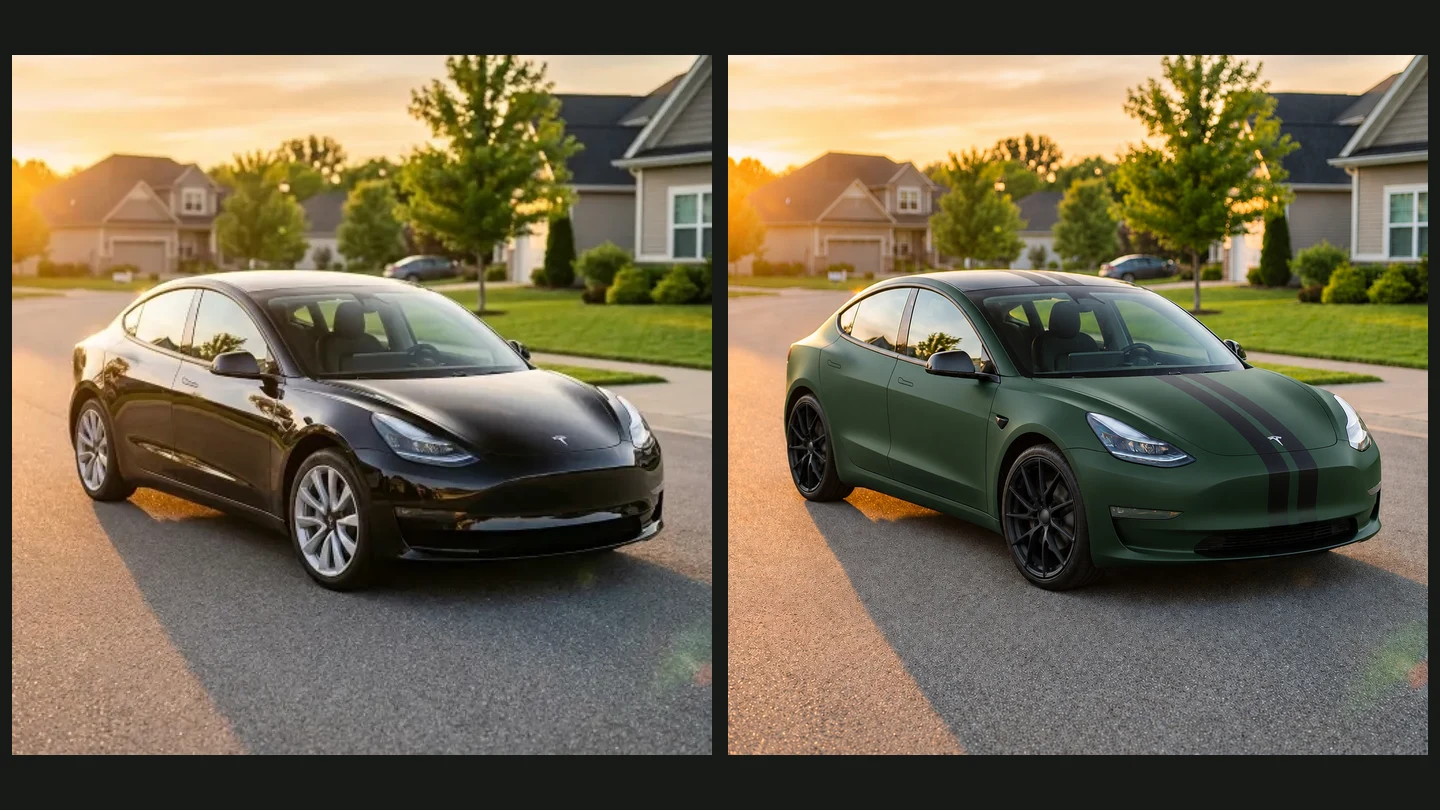
Original black Tesla beside a generated green wrap with black stripes

See a wrap color on your actual car

The car wrap visualizer puts your chosen color direction into the context of your own bodywork. Compare the balance with the windows, trim and wheels rather than imagining the entire vehicle from a small sample on a screen.

Explore a wrap color
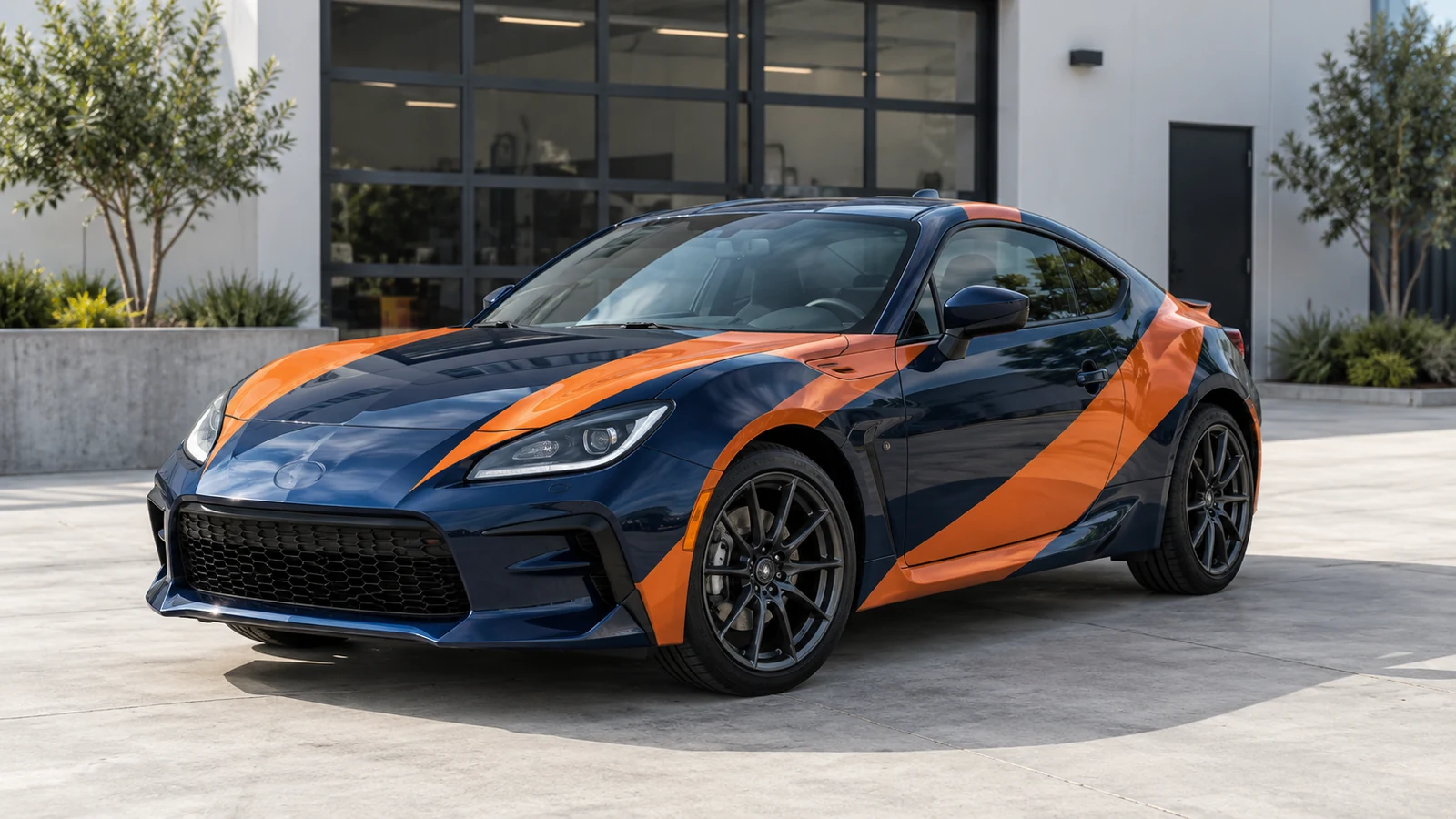
Sports coupe with a navy and orange geometric vinyl wrap

Explain a pattern beyond its name

Describe stripe placement or add a design reference to the car wrap visualizer. The edited photo helps you judge the overall graphic direction. Fine lettering and exact pattern placement still need an installer’s artwork review before production.

Preview a wrap pattern
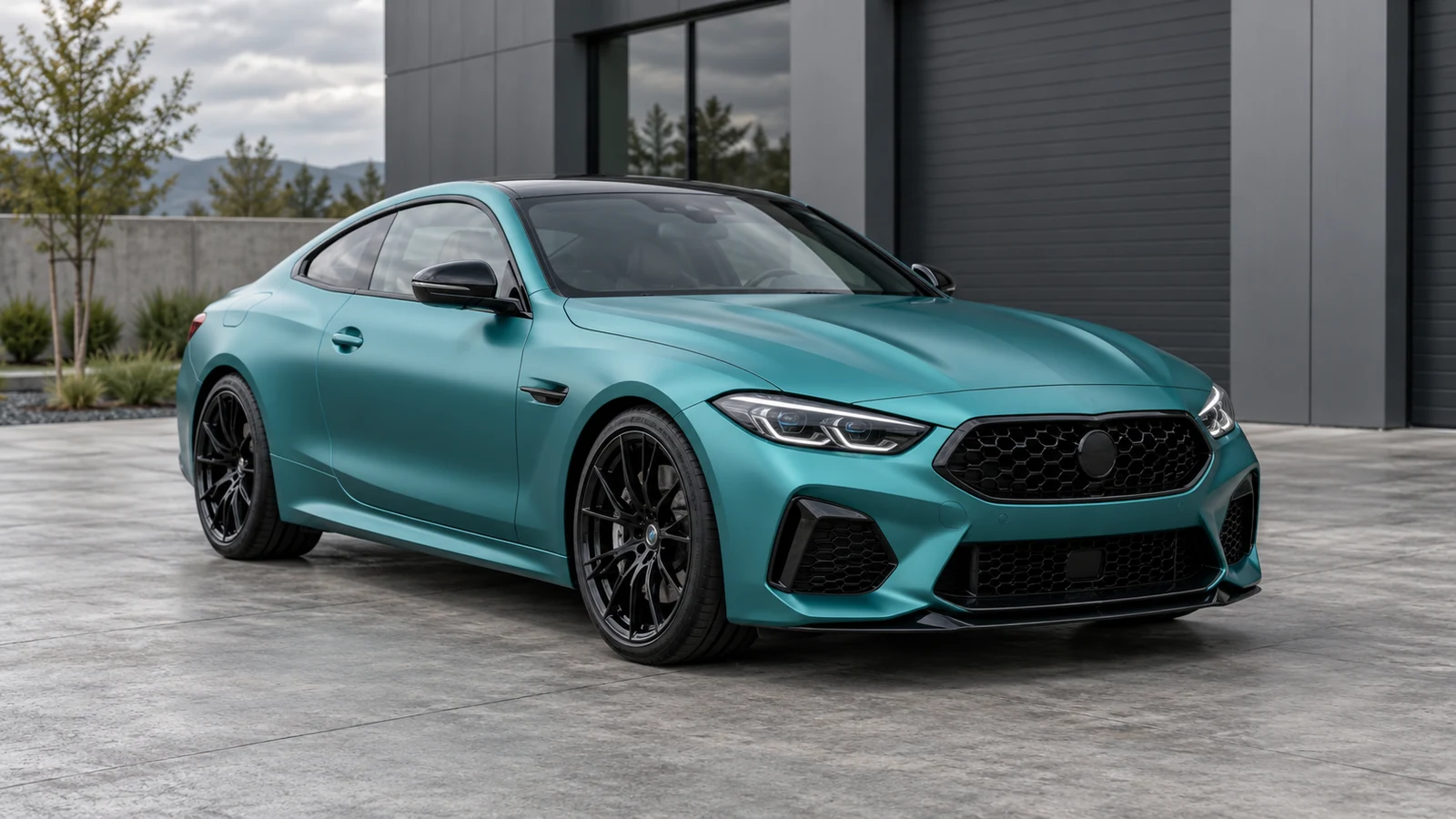
Luxury coupe with a satin teal wrap concept

Refine one direction without losing the starting point

Choose a finished image in the car wrap visualizer and build on it, or return to an earlier result. Keeping alternatives makes a useful shortlist for discussing which colors, finishes and graphic choices deserve a physical sample.

Compare wrap ideas

A wrap inspiration pair: silver to deep red

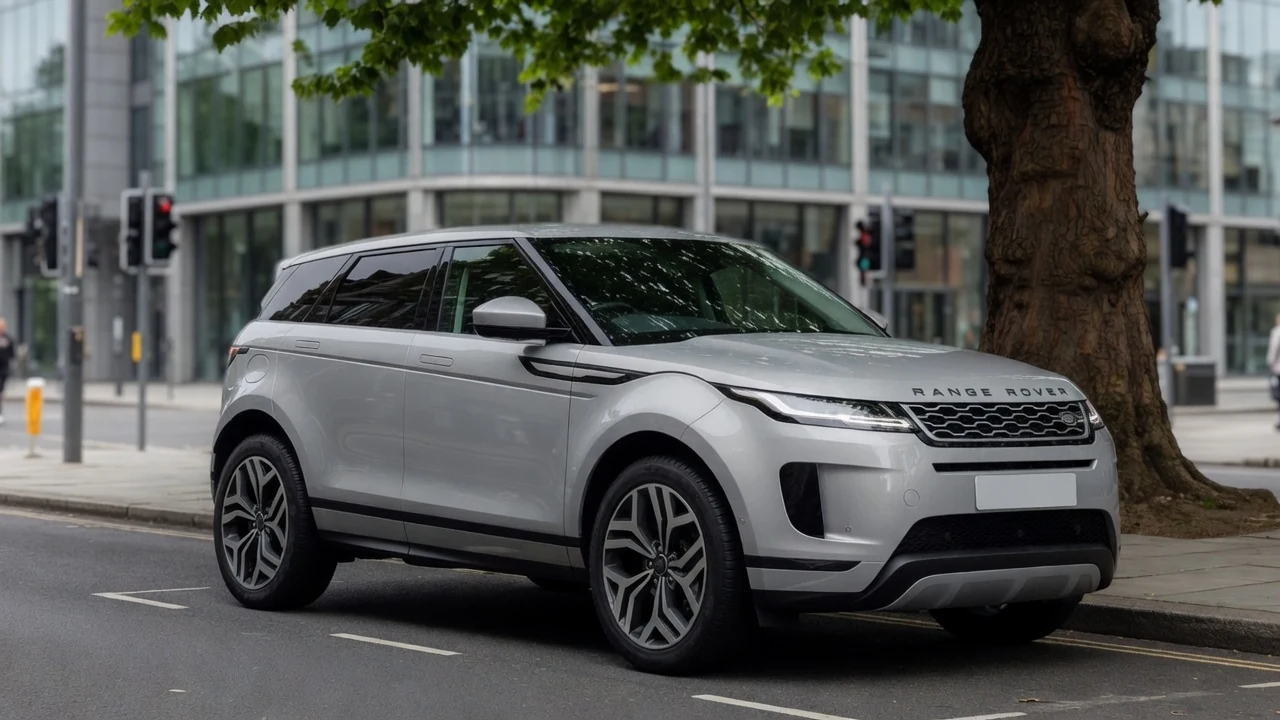
Silver Range Rover Evoque before its wrap preview

Read the original bodywork before choosing color

This silver Range Rover Evoque is the starting image in an illustrative car wrap visualizer reference pair. Look at its panels, windows and dark trim before comparing the red direction. These inspiration images are not a recorded result from this tool.

Make the conversation with your wrap shop more specific

An AI car wrap visualizer gives you a shared visual starting point, helping you explain a preference before choosing real film or preparing production artwork.

Your own bodywork in view

The car wrap visualizer starts with the car you actually drive, including the visible trim, proportions and viewing angle in your photograph.

A clearer design brief

Use color, finish and written details to explain the direction you mean, instead of relying on an isolated material name.

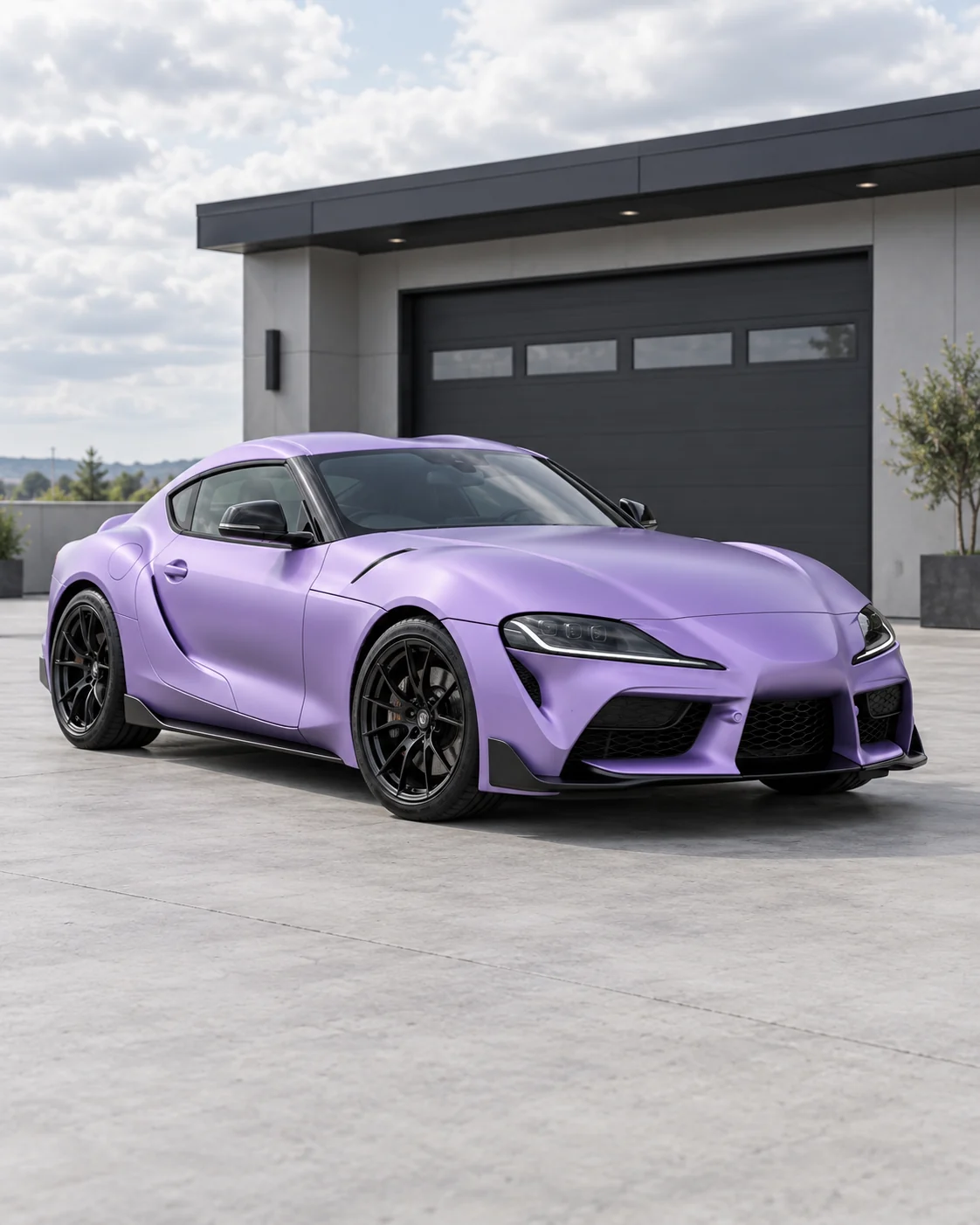
Sports coupe with a satin lavender wrap concept

A shortlist you can revisit

Keep car wrap visualizer versions for comparison and return to a previous direction whenever another idea needs a fair side-by-side discussion.

A useful reference to download

Choose the car wrap visualizer image you prefer, then download it for a discussion with your installer alongside real film samples and measurements.

START WITH A CLEAR VIEW

Make the panels and reference easy to understand

Give the car wrap visualizer a clear photo before adding your design idea. The visible panels and useful reference details matter more than a dramatic background.

  1. 01

    Show the panels you care about

    Keep the car fully visible. Choose a side view for door graphics or a three-quarter view to judge the hood and sides.

  2. 02

    Use a clean design reference

    If you add a reference, choose an image with an easy-to-read pattern. Explain intended placement in the additional details field.

  3. 03

    Keep lighting easy to compare

    Choose a sharp photograph without heavy color filters or strong glare, so the body’s color and graphic changes are easier to assess.

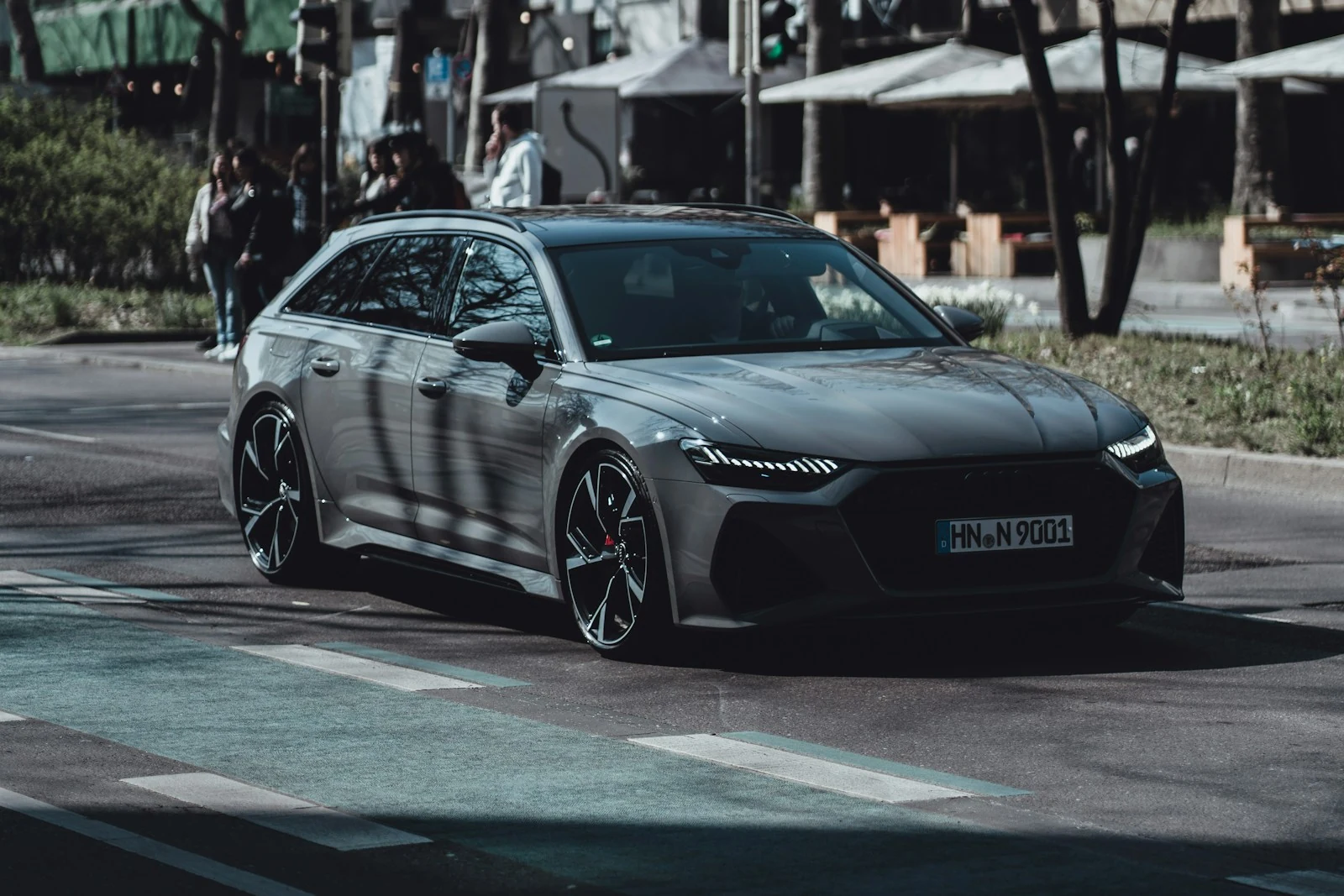
Audi RS6 Avant photographed before a wrap concept

Questions about the AI car wrap visualizer

Car Customizer logo

Give your next wrap idea a visible direction

Open the car wrap visualizer with a clear photo. Try a color or pattern, compare the result, and take a useful reference to your installer.

Preview my car wrap