Car Customizer for Your Next Build

Use our car customizer online to explore paint, wheels, wraps and body upgrades on your own photo. Compare different versions, build on a favorite, and download a visual reference before planning the real modification.

Workspace view

How to preview your next change

Start with your car

Upload a clear car photo

Open the car customizer online with a clear JPG, PNG or WebP, up to 10 MB. Choose an angle that shows the area you want to change.

Choose the detail to change

Select paint, wheels, wrap, stance, body kit or spoiler. Set a finish, style or color, and add a reference image when it helps explain your idea.

Compare and continue your build

Compare the result with your original. Select a finished version to continue modifying, or return to an earlier direction and download the look you prefer.

Explore the details that change your car

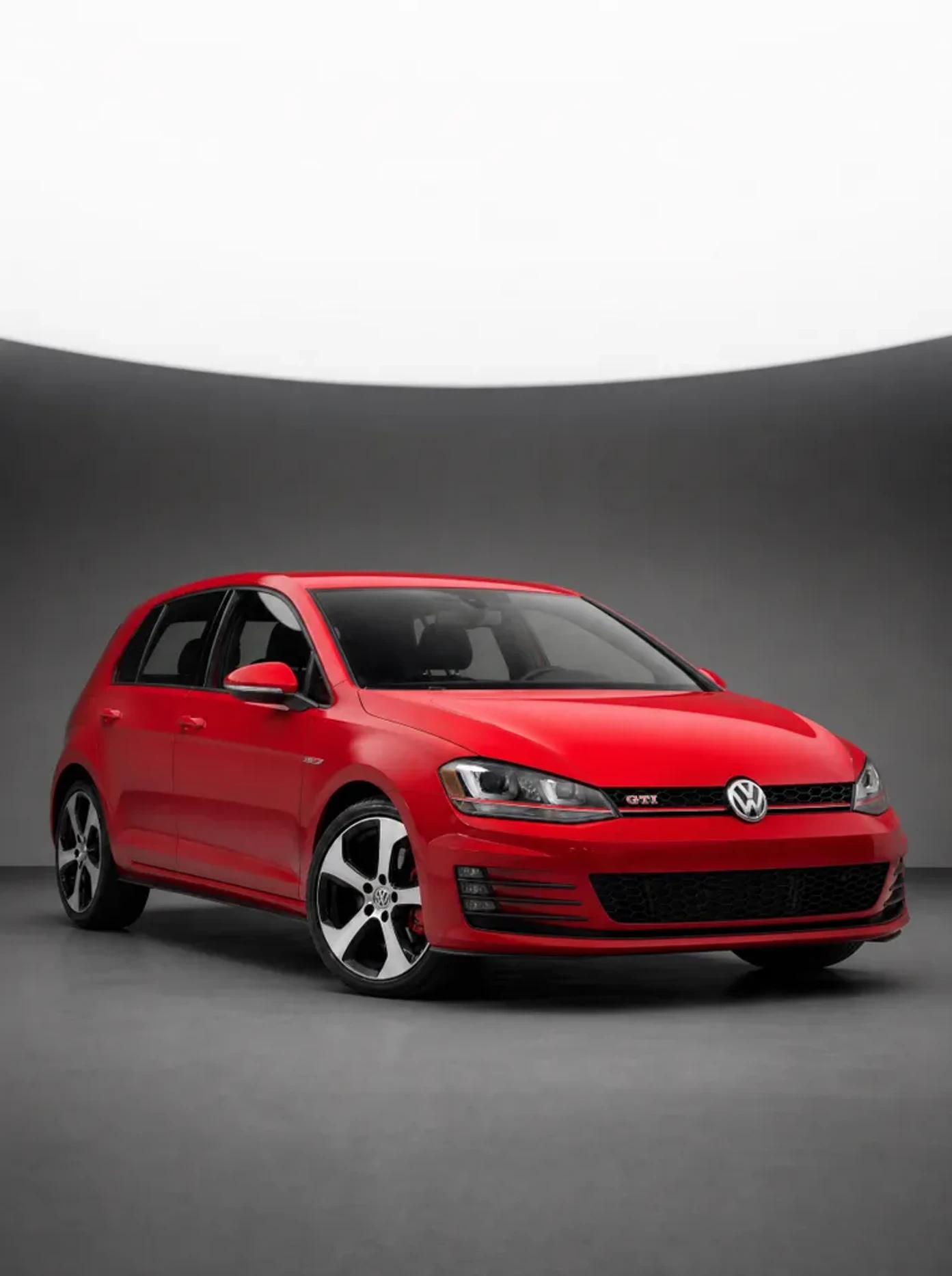
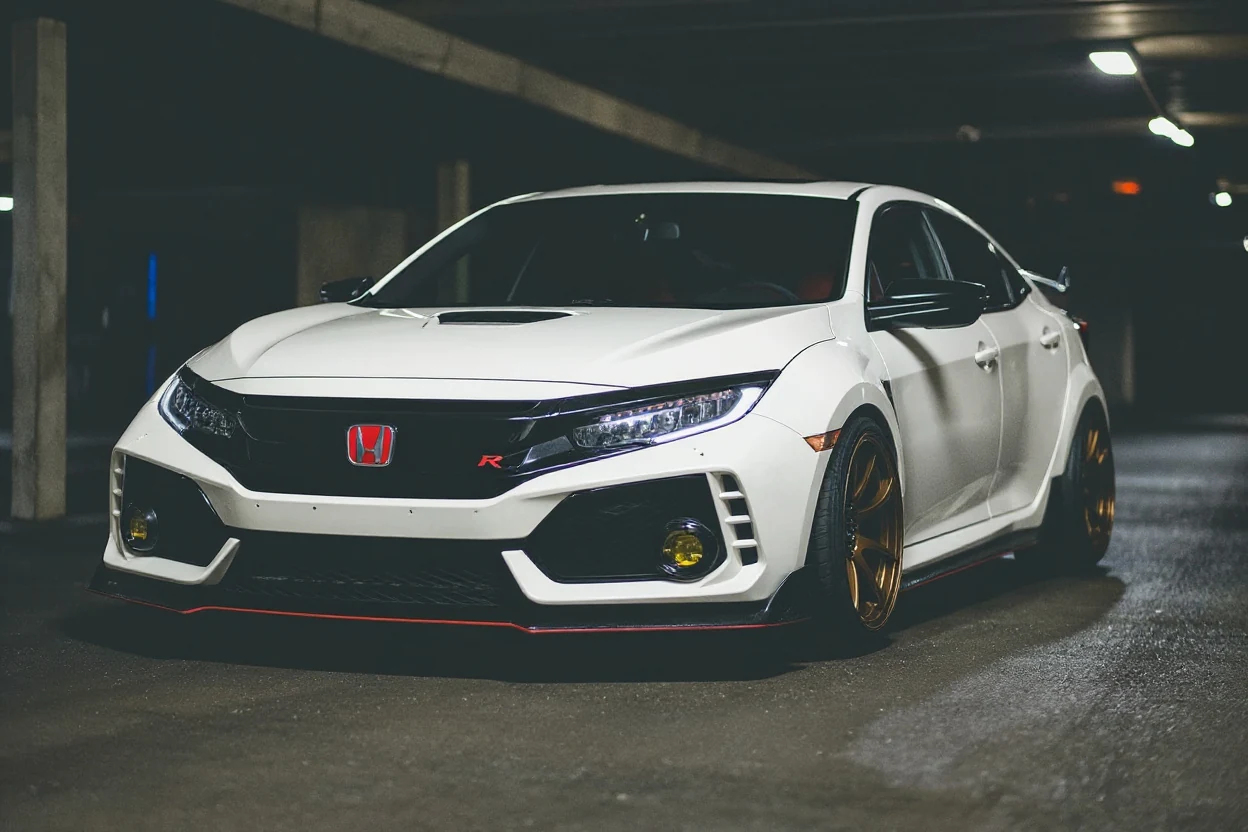
White Honda Civic Type R with a widebody concept

Picture a different body shape

Try our car customizer online before choosing a body kit direction. Explore subtle aero, widebody or track styling while keeping your vehicle as the starting point. A preview makes the shape easier to discuss with an installer.

Explore a body kit
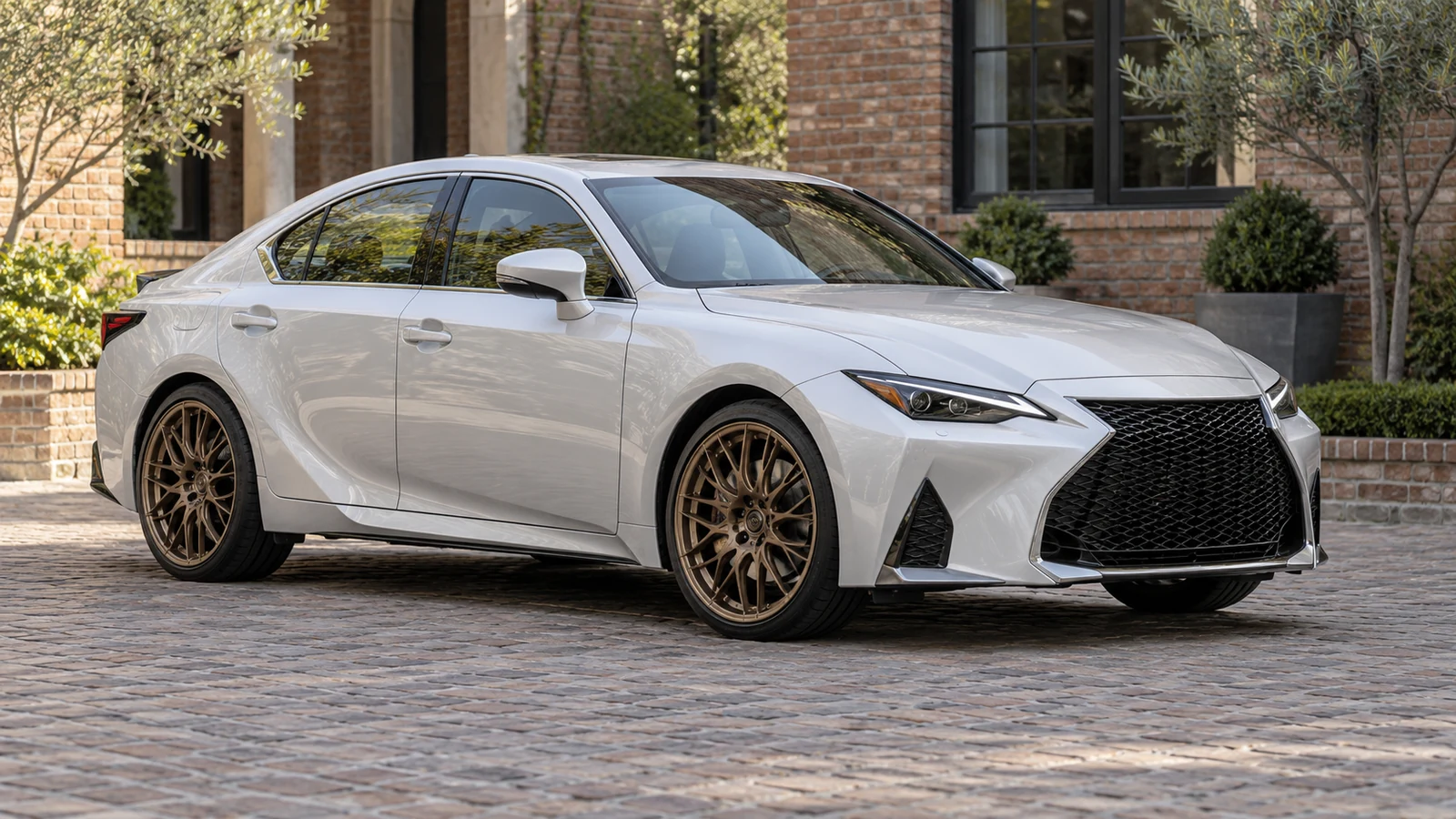
Silver-white sports sedan with bronze mesh wheels

Choose wheels against your own bodywork

Bring a wheel reference to the car customizer or choose a spoke preset. See how the design and finish relate to your car’s proportions, then compare alternatives before checking actual sizes, offset and fitment with a supplier.

Explore wheel designs
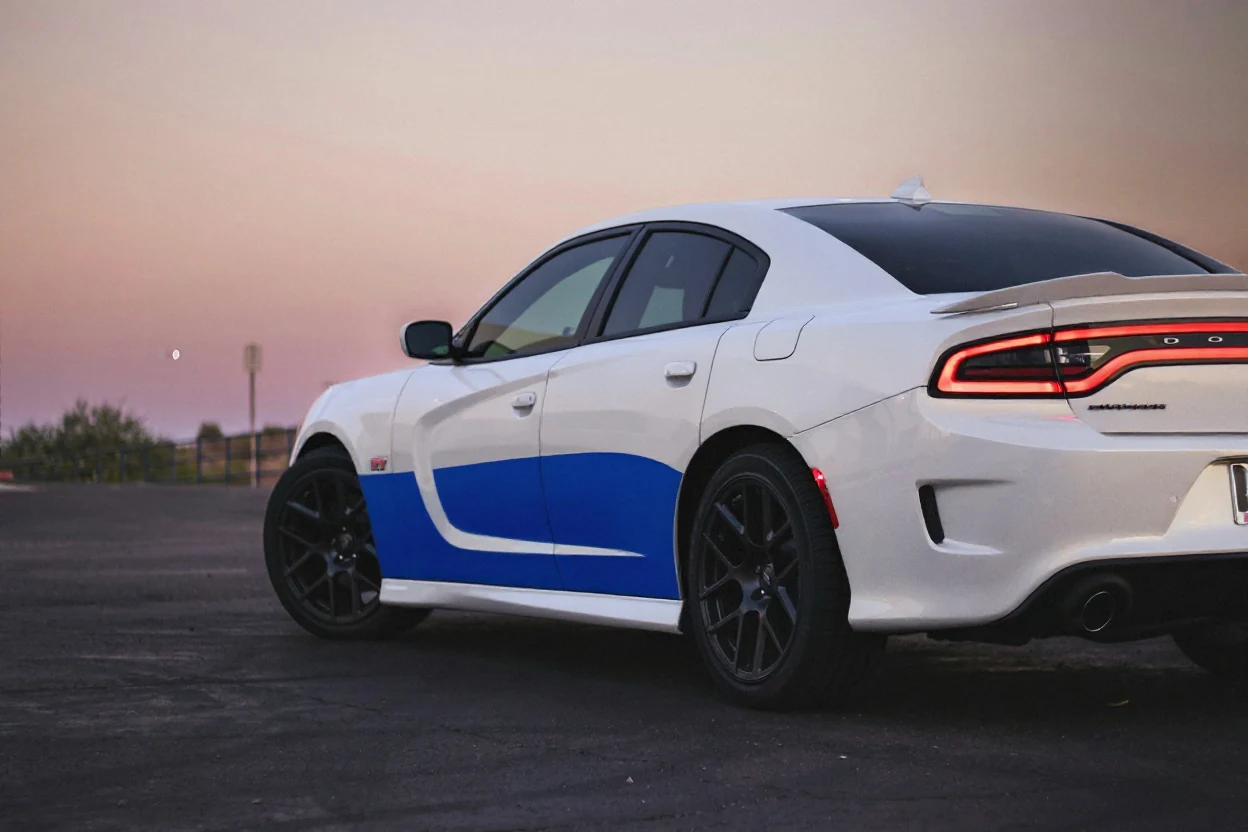
Dodge Charger with a white and blue graphic wrap

Turn a wrap idea into a reference

Use the car customizer online to describe stripes, choose a finish or add a wrap reference. Work from a car photo to judge placement and overall balance before taking your shortlist to a wrap shop.

Visualize a wrap

Find inspiration for your car customizer project

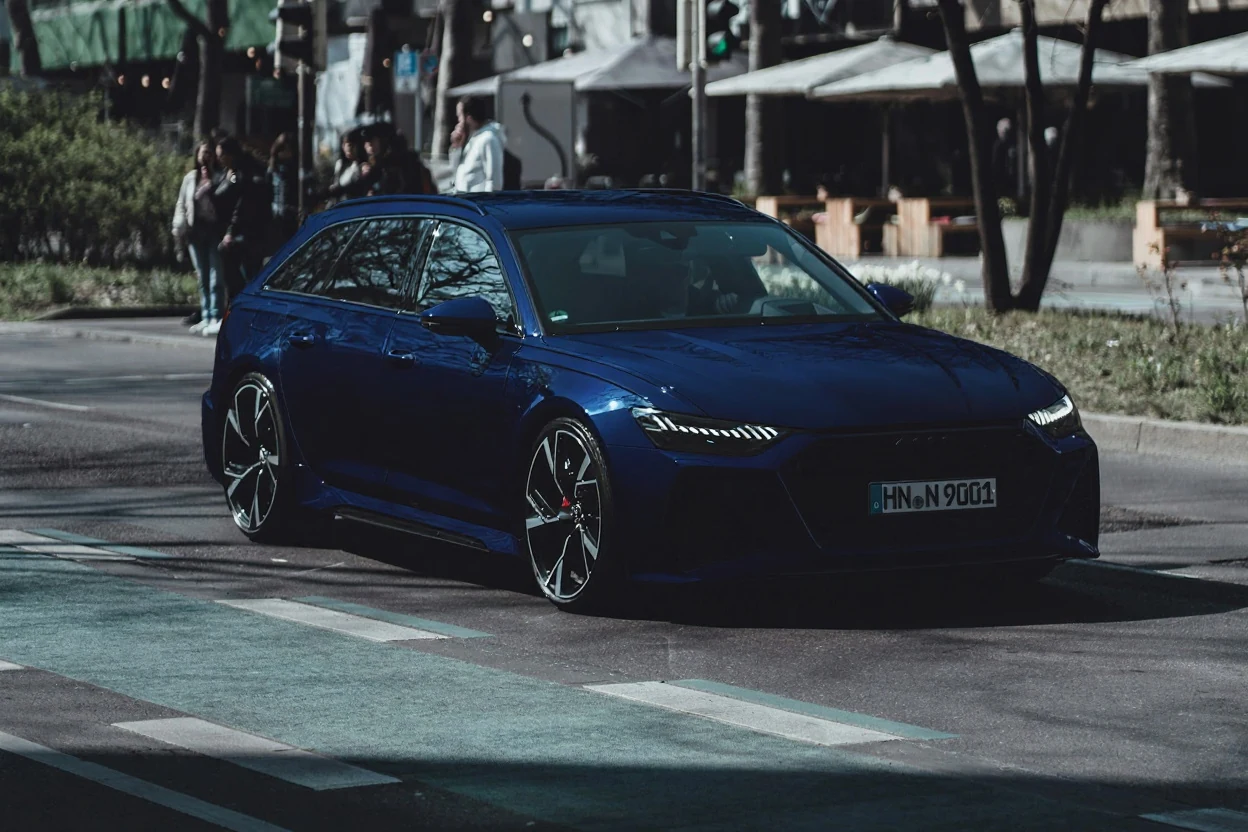
Audi RS6 Avant with a deep blue satin wrap concept

A satin blue direction for an estate

This Audi RS6 inspiration pairs deep blue bodywork with dark trim and a low stance. Use the car customizer online to explore your own wrap direction, then compare the appearance with physical film samples.

Make a clearer choice before you commit

A car customization website is most useful when it helps you compare real alternatives, explain a preference and keep the next decision manageable.

Your actual starting point

Use the car customizer online with your own photograph, so the starting proportions, viewing angle and setting are familiar.

One change at a time

Focus on one modification in the car customizer, inspect what changed, and decide whether it belongs in your next version.

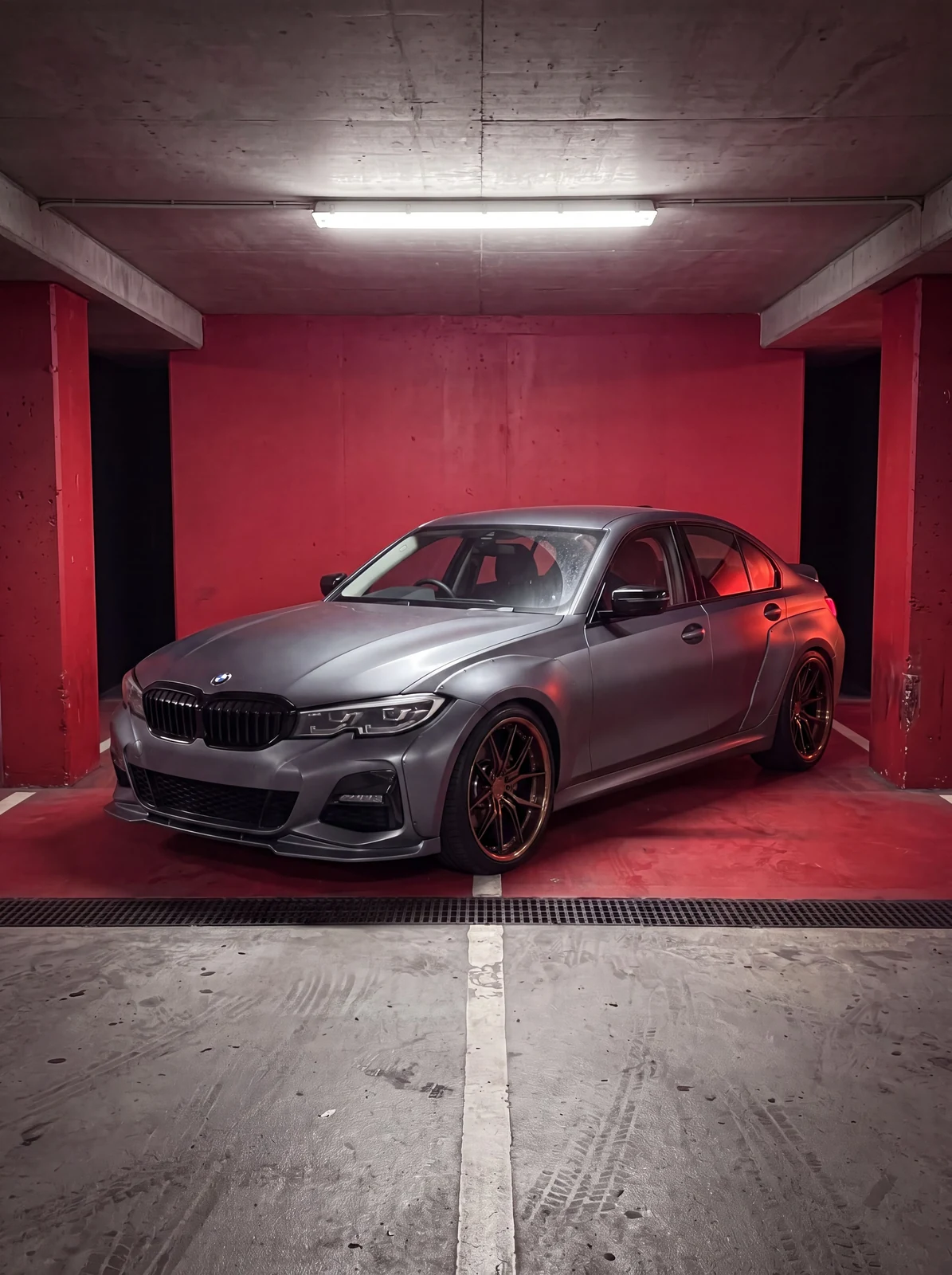
Modified BMW sedan with a front lip, side skirts and sport wheels

Keep the alternatives

Return to an earlier result without relying on memory. Your original remains a comparison point as the build develops.

Bring a clearer reference

Take a downloaded car customizer image to a painter or installer to explain the appearance you want to explore.

A BETTER STARTING PHOTO

Start with a clear photo of your car

Before using the car customizer online, choose a photo that clearly shows the detail you want to change and leaves the full vehicle visible.

  1. 01

    Keep the whole car in frame

    Leave a small amount of space around the vehicle. Avoid cutting off wheels, bumpers or the roof.

  2. 02

    Use clear, even light

    Choose a sharp photo without heavy filters, deep shadows or strong glare over the area you want to change.

  3. 03

    Match the angle to the change

    Use a side or front three-quarter view for wheels and paint. For a spoiler, show the rear mounting area.

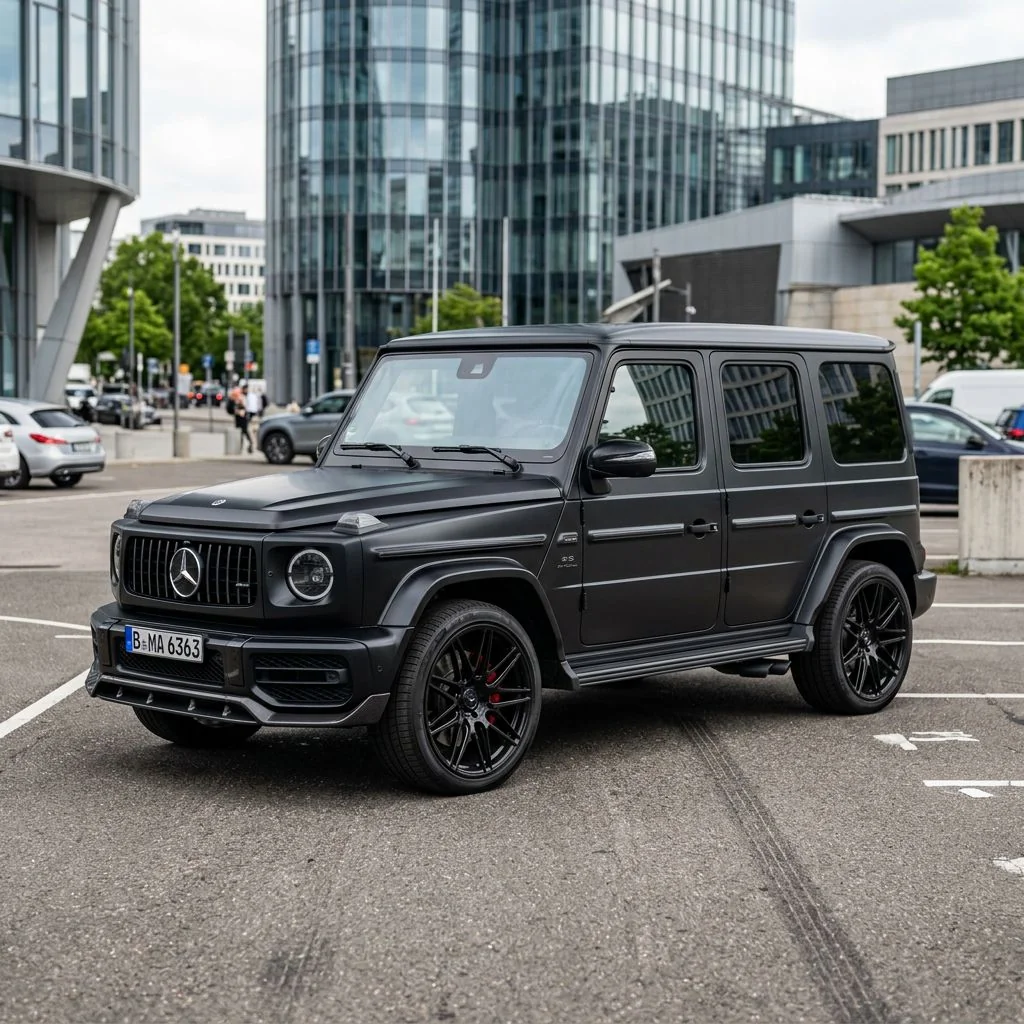
Gray Mercedes-AMG G 63 in a clear three-quarter car image

Before your first preview

Car Customizer logo

Your next build starts with a photo

Open the car customizer online with a photo you already have. Choose one change and see which direction deserves another look.

Customize my car