Car Color Changer for Your Own Photo

Use the car color changer to explore a different paint direction on a photo of your actual vehicle. Choose a color and finish, compare saved versions, and download a reference for your next conversation with a painter.

Workspace view

Take a paint idea from swatch to car

Try a paint preview

Upload your starting photo

Start the car color changer with a clear JPG, PNG or WebP up to 10 MB. Keep the painted panels and the whole vehicle in view.

Choose a color and finish

In the car color changer, enter a hex color or use the picker. Select a finish, describe details to preserve, and choose 1K or 2K output.

Compare before choosing a direction

Open the original comparison, inspect the body panels and select a version you like. Continue from that image or download it for a paint-shop discussion.

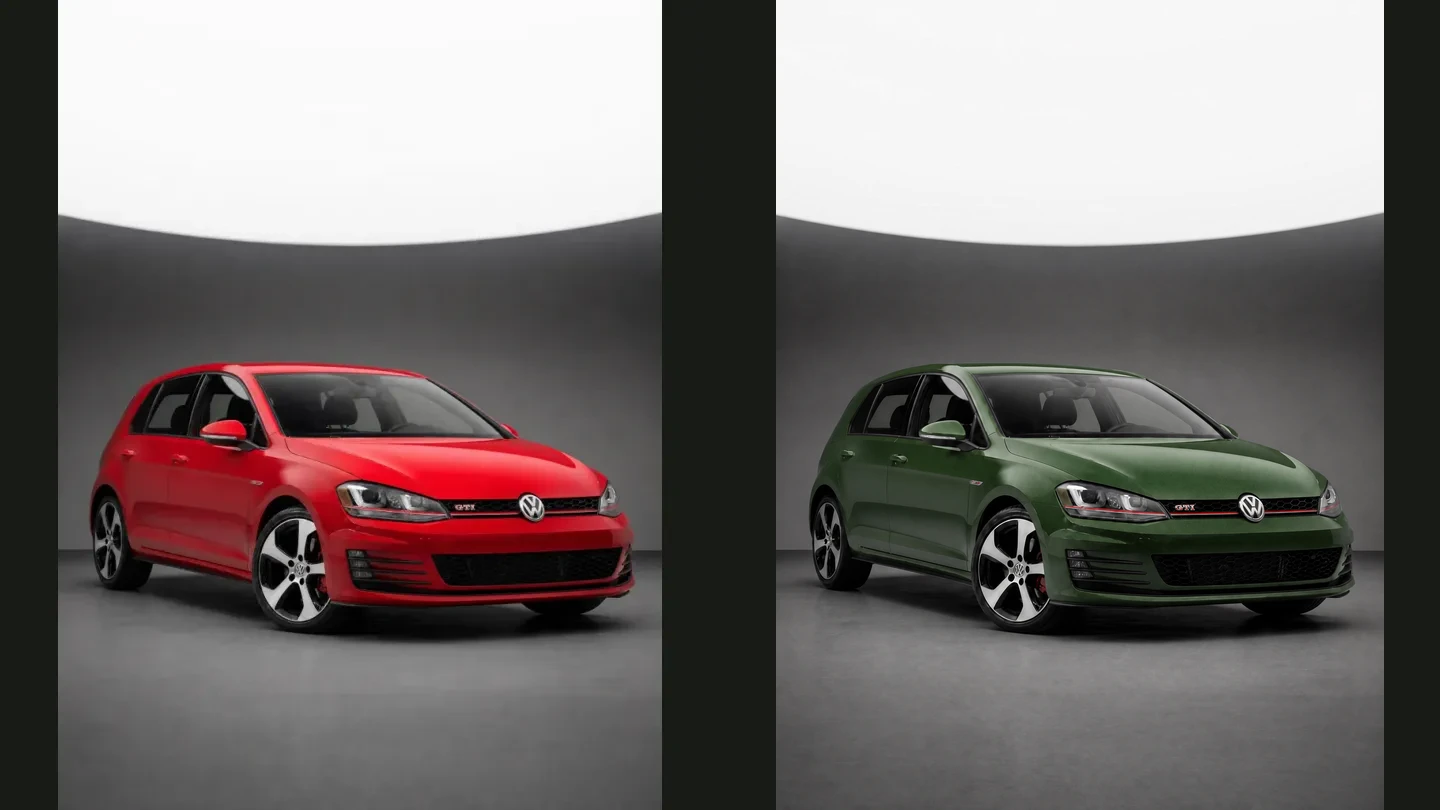
See how a new color changes the whole car

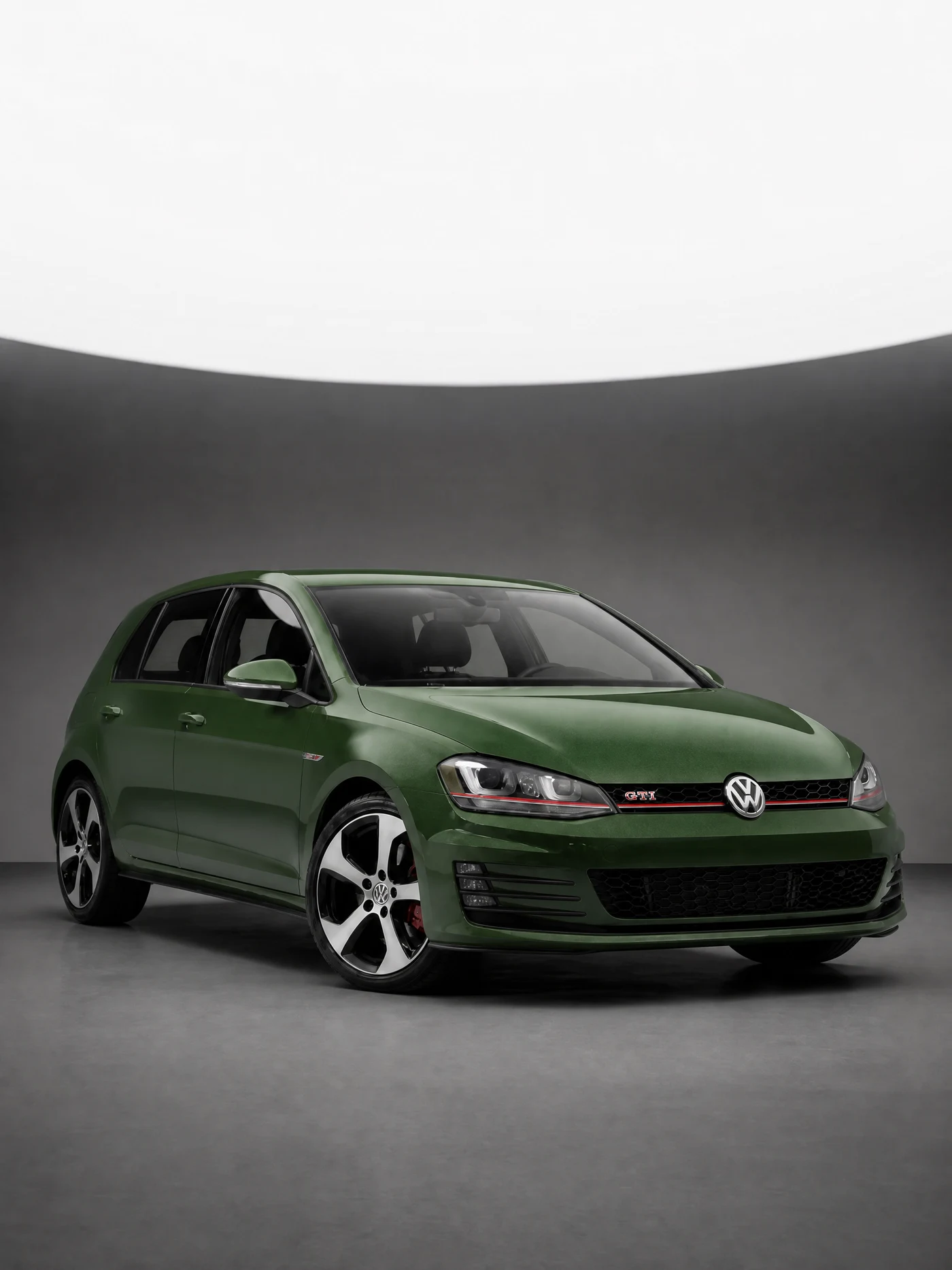
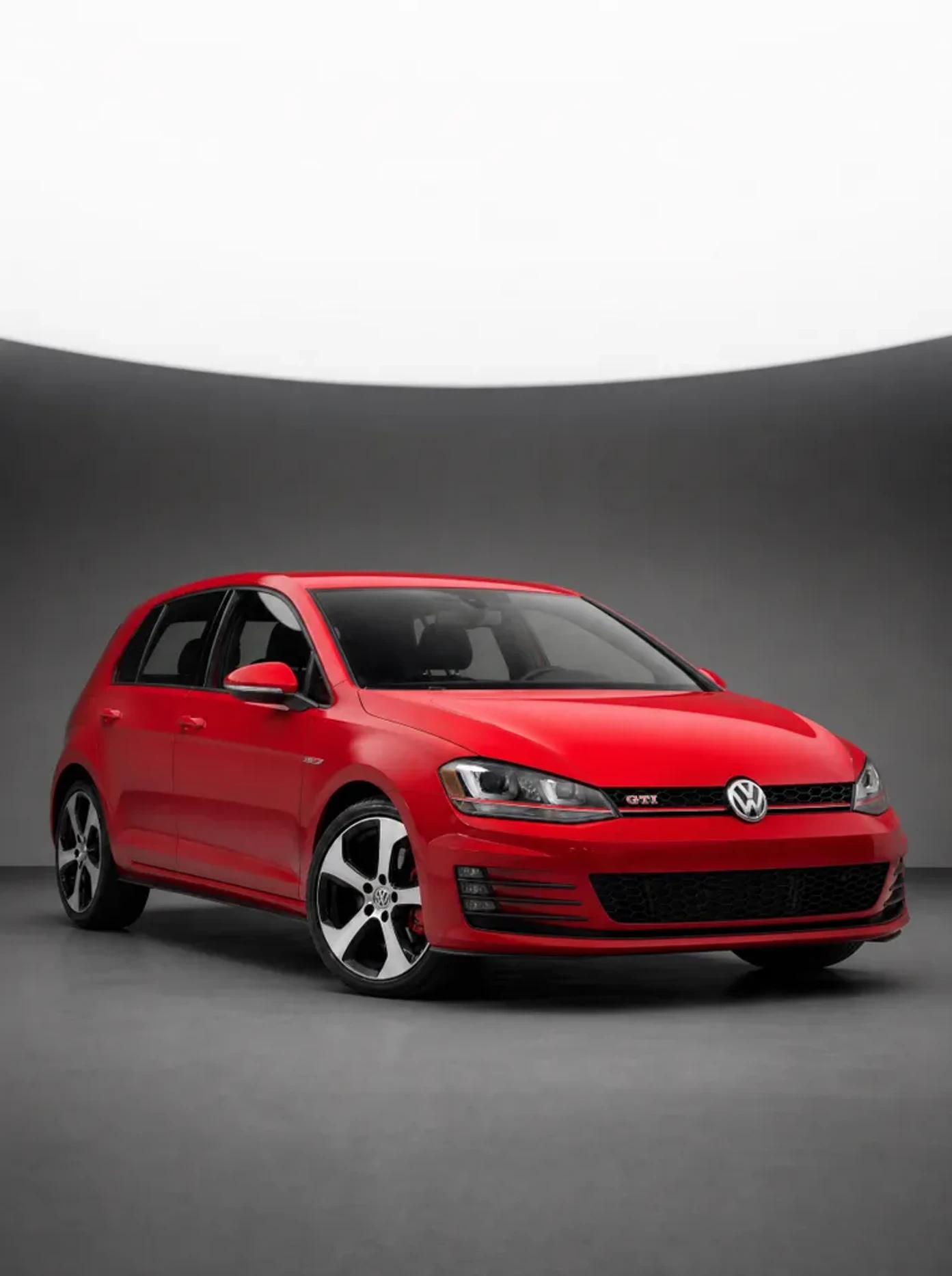
Original red Volkswagen GTI beside its generated green paint preview

Put a color against familiar details

A small color swatch leaves plenty to imagine. The car color changer places your chosen direction alongside the vehicle’s glass, lights, wheels and proportions, giving you a fuller starting point for deciding whether that color suits your car.

Explore a new color
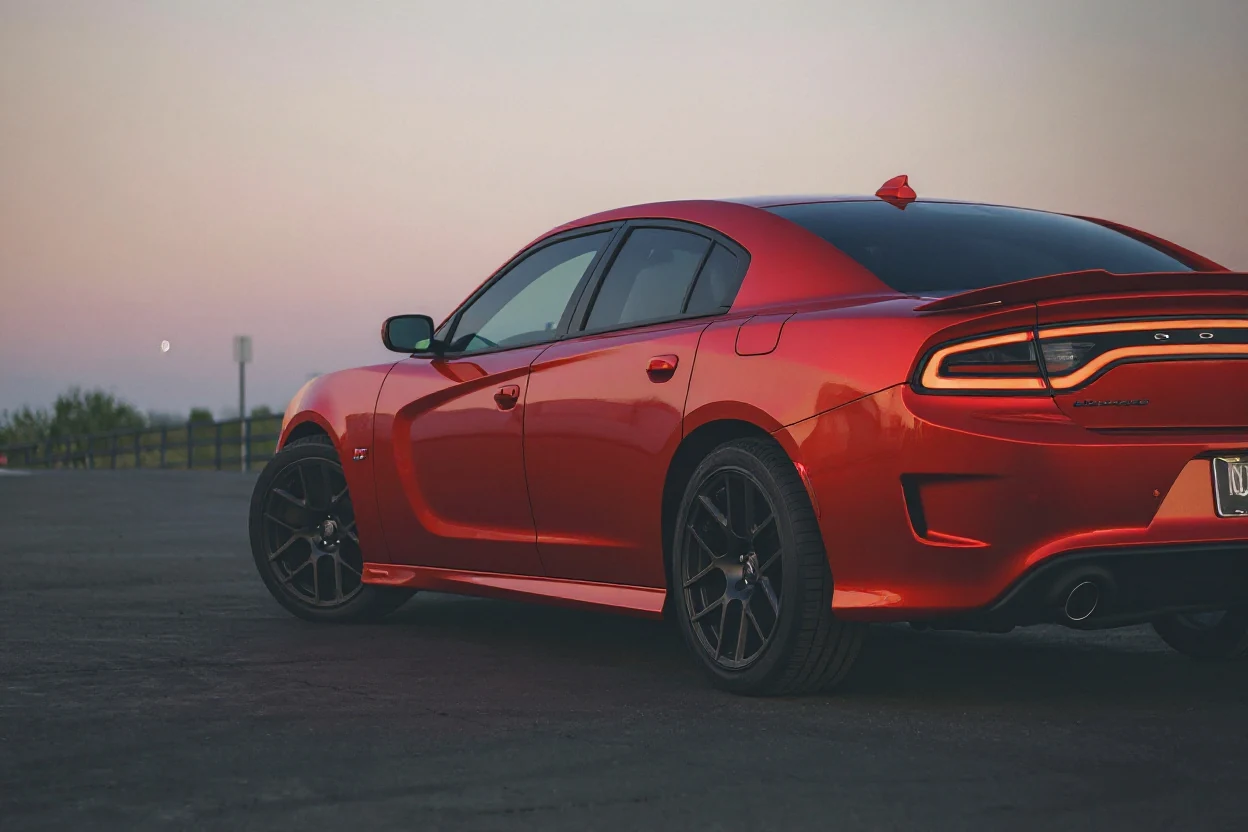
Dodge Charger with a red paint concept

Explore the surface, not just the shade

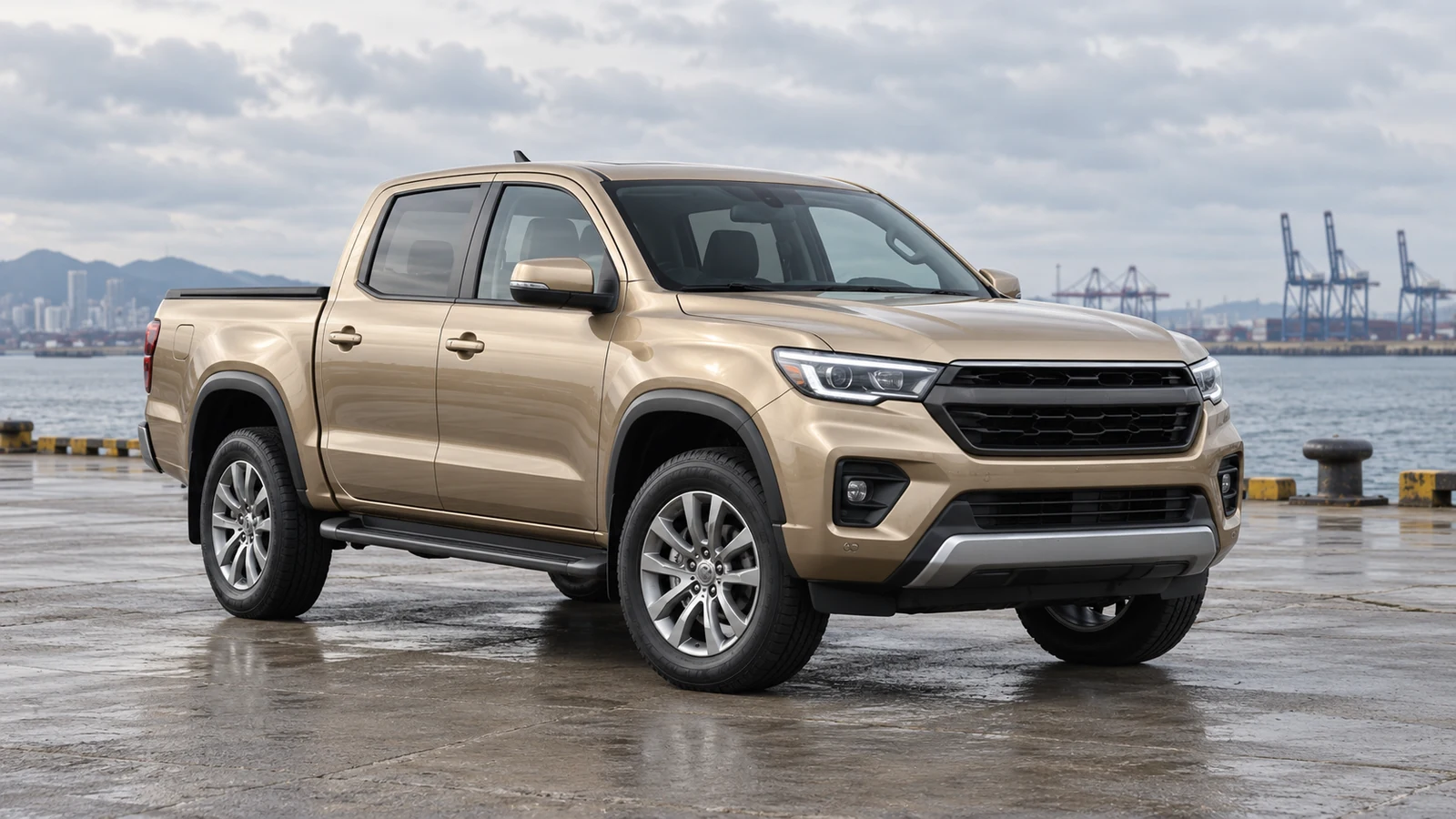
Use the car color changer to try gloss, matte, satin, metallic or another available finish. Compare how the imagined surface reads across the hood and doors. Treat the result as a visual direction to check against real paint samples.

Compare paint finishes
Pickup truck with a champagne-gold metallic paint concept

Keep a useful shortlist of alternatives

The car color changer keeps generated versions so you can return to an earlier look. Compare each with the original photo instead of relying on memory, then download the alternatives that best express what you want from a repaint.

Build a color shortlist

Car color changer inspiration across three vehicle styles

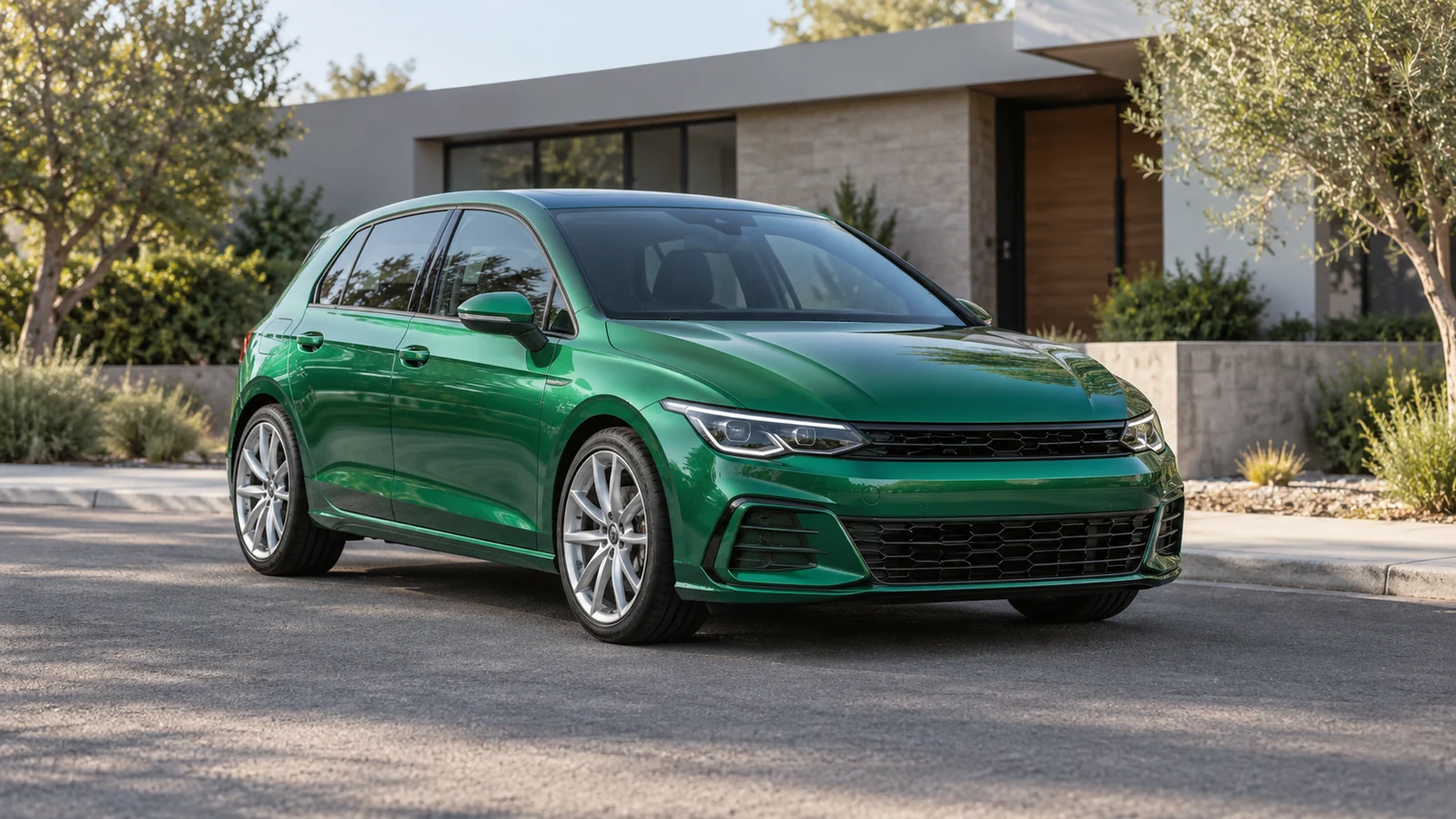
Modern hatchback with a metallic green paint concept

Metallic green on a modern hatchback

This hatchback illustration offers car color changer inspiration through metallic green bodywork. Look at how the color relates to the glass, lights and wheels, then use your own photograph to explore whether a similar direction suits the vehicle you drive.

Arrive at the paint shop with a clearer idea

Use an AI car color changer when you have a color in mind but want to understand how it might look across your own vehicle.

Your familiar starting point

The car color changer works from your own photograph, so the car’s existing angle, shape and setting remain relevant to the decision.

A more focused comparison

Change the paint direction while inspecting the other details, rather than comparing unrelated cars photographed under completely different conditions.

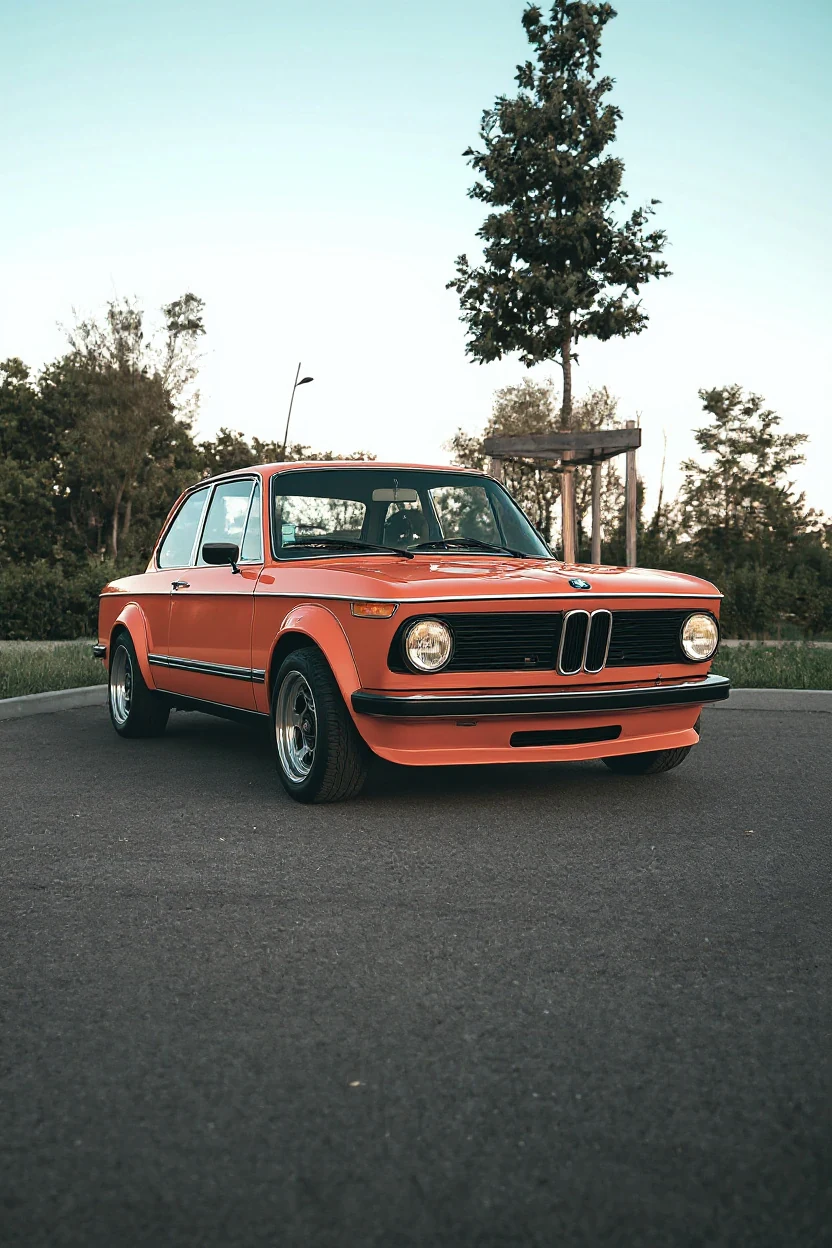
Classic BMW 2002 with an orange paint concept

Alternatives you can revisit

Select an earlier car color changer version whenever another idea needs comparison, and keep useful images before starting the next round.

A reference for the conversation

Download the car color changer options you prefer and explain your intended appearance to a painter, alongside real samples and the shop’s professional advice.

CHOOSE A USEFUL PHOTO

Give the painted surfaces a clear view

Before opening the car color changer, choose a photograph with visible body panels and balanced light. A clear starting image makes the result easier to assess.

  1. 01

    Keep the whole body in frame

    Leave a little space around the roof, bumpers and wheels. A complete view helps you judge the color across the vehicle.

  2. 02

    Avoid heavy filters and glare

    Use a sharp photo without a strong color filter. Deep shadows or bright reflections can make changes harder to compare.

  3. 03

    Choose an informative camera angle

    A front or rear three-quarter view shows more than one painted surface. Use the angle that best represents your repaint idea.

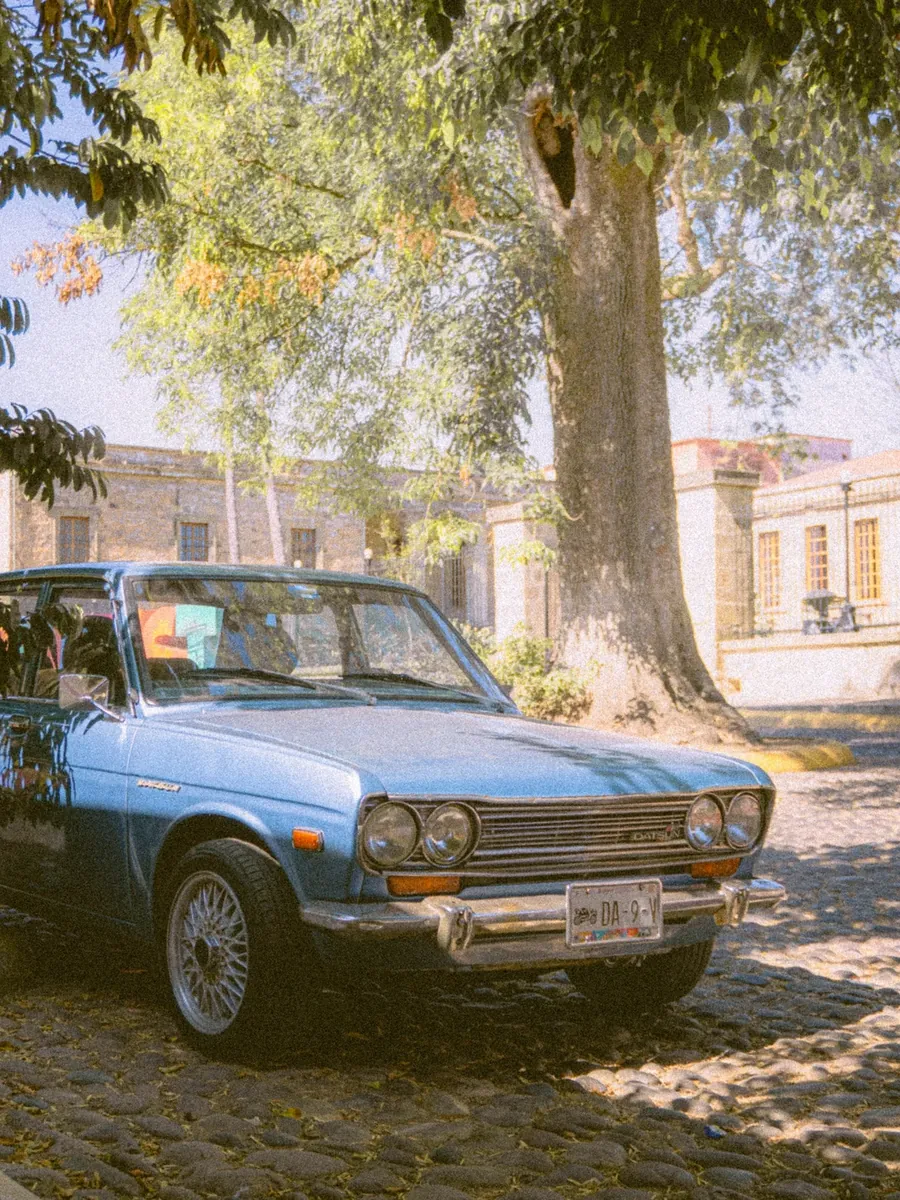
Datsun 510 photographed as a starting-point color reference

Questions about the AI car color changer

Car Customizer logo

Find a paint direction worth taking further

Open the car color changer with your own photo. Compare a new shade and finish before deciding what to discuss with your painter.

Change my car color